
8 Top Design Skills That Solve Vibe Coding's Design Problems
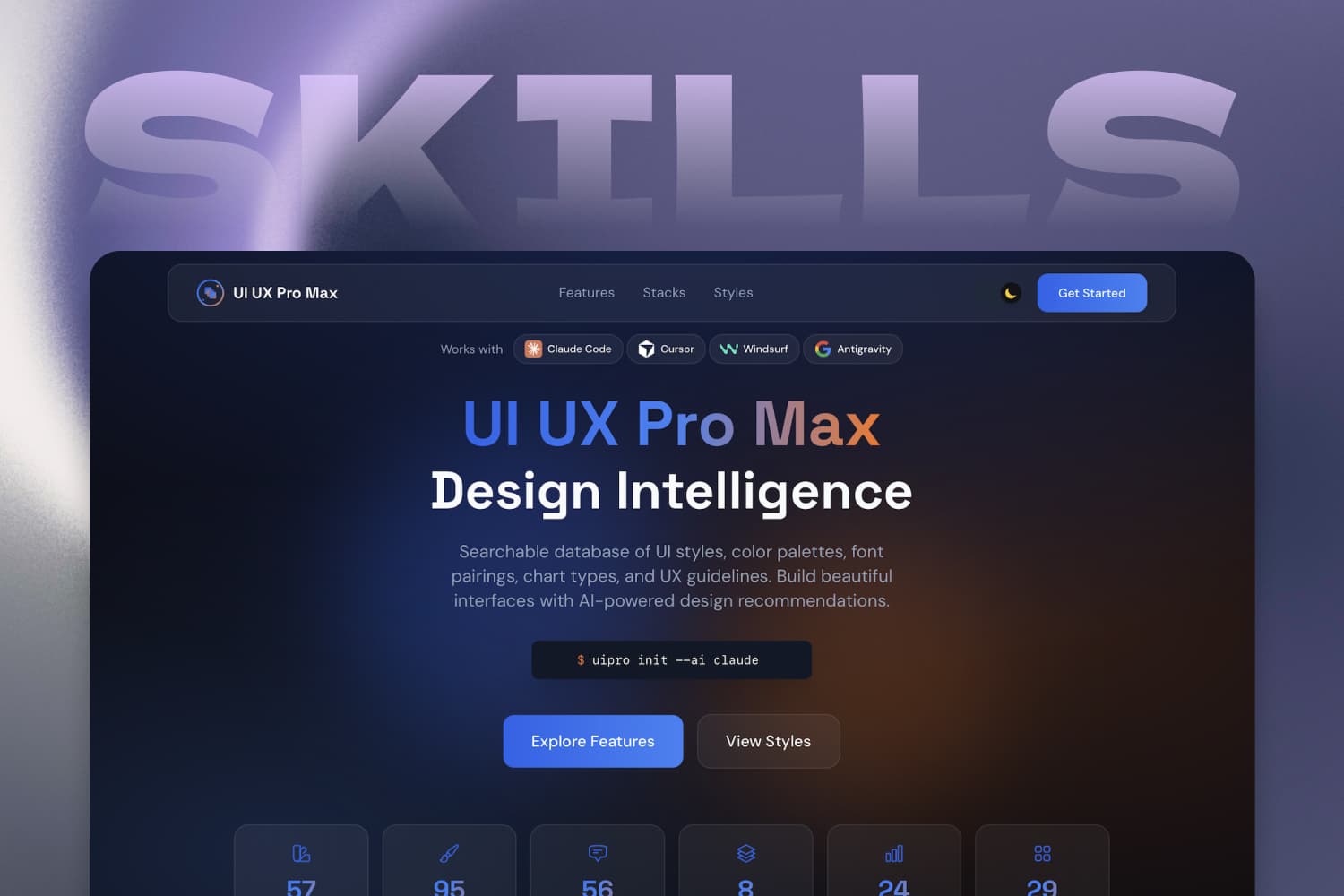
In most cases, AI-generated project design still has its fair share of shortcomings and rough edges — and wherever there’s a pain point, there’s a solution. Design Skills are different from the simple prompt templates of the past. They’re more practical: complete skill packs bundling design philosophy, reference docs, and utility scripts that let AI play multiple roles — senior designer, product manager, and more — when thinking and designing, so a project feels like it’s been deeply polished by a whole team.
I’ve rounded up 8 top Design Skills, covering four categories: creative direction, design intelligence, quality & compliance, and engineering workflow. Let’s take a look.
1. Anthropic Frontend Design
- GitHub: https://github.com/anthropics/skills
- ⭐ Stars: 164k+
- Install:
/plugin marketplace add anthropics/skills - What it is: The official release from Anthropic, built specifically to fix the “every AI-generated interface looks the same” problem. Its core idea is to think through four dimensions before writing any code — purpose, tone, constraints, and differentiation.
- Why it’s good: It covers five design areas: typography (explicitly banning “over-used-by-AI” fonts like Inter and Roboto), color and theme (rejecting the tired purple-and-white cliché), motion (prioritizing high-impact moments), spatial composition (asymmetry, overlap, breaking the grid), and backgrounds and visual detail. Ideal for landing pages, portfolios, and marketing pages that need visual personality.
2. Impeccable
- GitHub: https://github.com/pbakaus/impeccable
- ⭐ Stars: 49k+
- Install:
npx impeccable install, then/impeccable initinside your AI coding tool - What it is: An evolution of Frontend Design — one skill, 23 design commands, live browser iteration, and 58 deterministic detector rules for AI-generated frontend. Every command targets a specific optimization goal, giving you a far more precise design workflow.
- Why it’s good: Core commands include
/impeccable craft(full shape-then-build flow),/impeccable critique(UX review),/impeccable audit(technical quality checks — a11y, performance, responsive),/impeccable polish(final pass and shipping readiness),/impeccable distill(strip to essence), and/impeccable animate(purposeful motion). It also writesPRODUCT.mdandDESIGN.mdoninitso every later command knows your audience, brand lane, and constraints. Ideal for professional developers who want precise control over the design process, and designers who want more say during iteration.
3. Taste Skill
- GitHub: https://github.com/Leonxlnx/taste-skill
- ⭐ Stars: 67k+
- Install:
npx skills add https://github.com/Leonxlnx/taste-skill - What it is: Portable Agent Skills that make things “look and feel expensive” — upgrading AI-built interfaces with stronger layout, typography, motion, and spacing instead of boilerplate-looking UIs. It also ships image-generation skills for reference boards (web, mobile, brand kits).
- Why it’s good: It’s an anti-slop framework that gives your AI genuine taste and stops it from generating boring, generic output. Pair it with ChatGPT Images or a similar generator for reference frames, then hand those to Codex, Cursor, or Claude Code for implementation. Ideal for brand sites, luxury e-commerce, and creative-agency portfolios that chase a high-end, premium feel.
4. UI/UX Pro Max
- GitHub: https://github.com/nextlevelbuilder/ui-ux-pro-max-skill
- ⭐ Stars: 110k+
- Install:
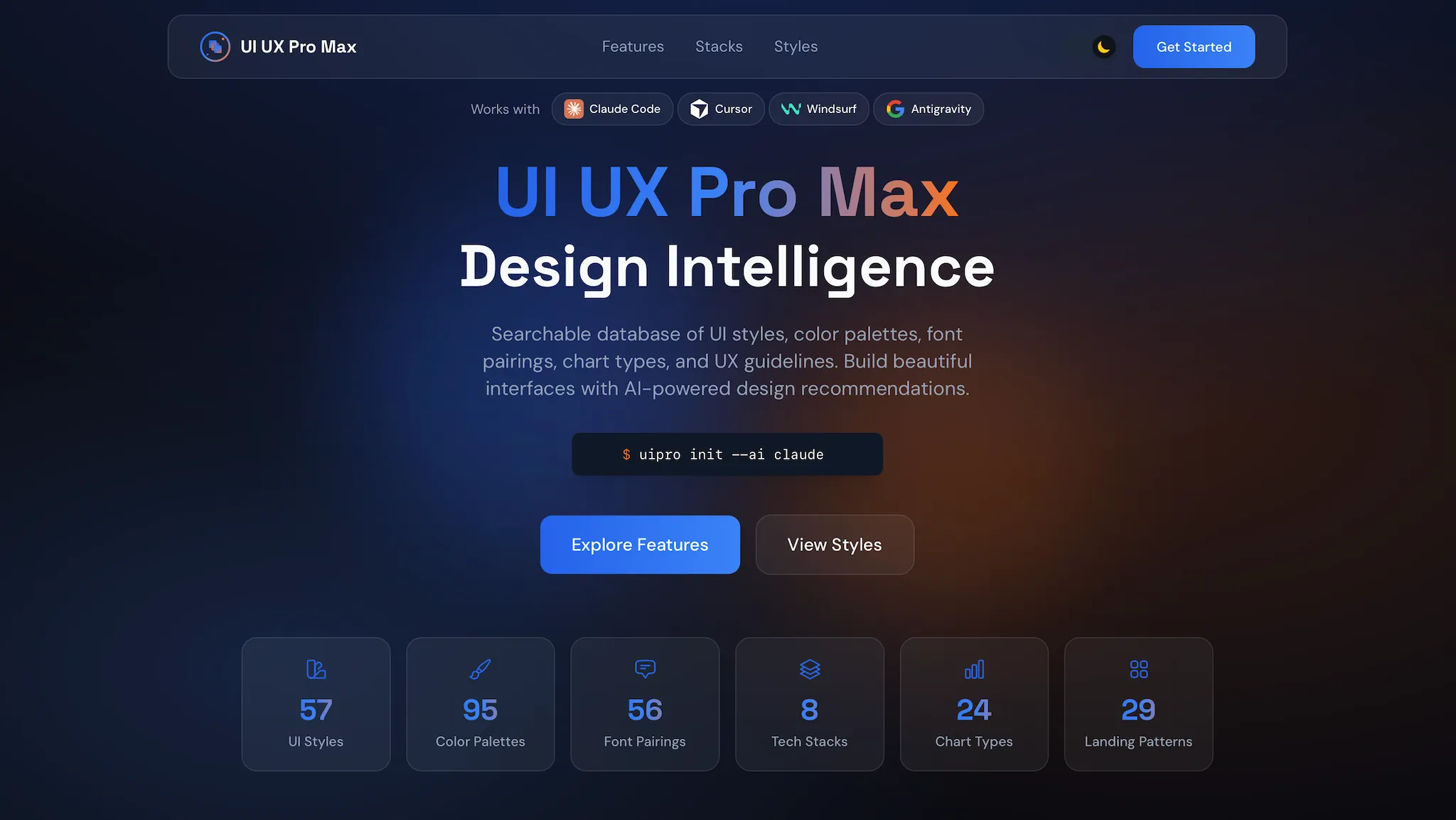
/plugin marketplace add nextlevelbuilder/ui-ux-pro-max-skill - What it is: The most comprehensive design-intelligence skill in the ecosystem right now. It doesn’t just give the AI aesthetic taste — it gives it a searchable design database: 84 UI styles, 192 color palettes, 74 font pairings, 98 UX guidelines, 25 chart types, and 161 reasoning rules, covering 22 tech stacks.
- Why it’s good: Its flagship v2.0 feature is an AI-powered Design System Generator that analyzes your project requirements and generates a complete, tailored design system in seconds. Accessibility is a first-class category — it enforces at least 4.5:1 text contrast, visible focus rings, descriptive alt text, ARIA labels, and
prefers-reduced-motion. It supports persistent design systems for large projects. Ideal for designers and developers who need the AI to make informed design decisions based on product type and industry.
5. Designer Skills
- GitHub: https://github.com/Owl-Listener/designer-skills
- ⭐ Stars: 1.9k+
- Install:
/plugin marketplace add Owl-Listener/designer-skills - What it is: A complete designer’s toolbox — 239 skills and 88 commands across 33 plugins, organized into five collections, for Claude Code and Gemini CLI. It covers the full lifecycle of design work.
- Why it’s good: The design-practice collection alone spans 9 domains — design research (personas, interviews, surveys), design systems (token definitions, component specs), UX strategy (information architecture, journey maps), UI design (layout, color, typography), interaction design (micro-interactions, state machines), prototyping & testing (usability tests, A/B experiments), design ops (critique frameworks, handoff specs), the designer’s toolkit (rationale, case studies), and visual critique. Four more collections cover AI product design, UX program management, design leadership, and inclusive design. Ideal for full-stack designers and UX teams.
6. UI Skills
- GitHub: https://github.com/ibelick/ui-skills
- ⭐ Stars: 6.2k+
- Install:
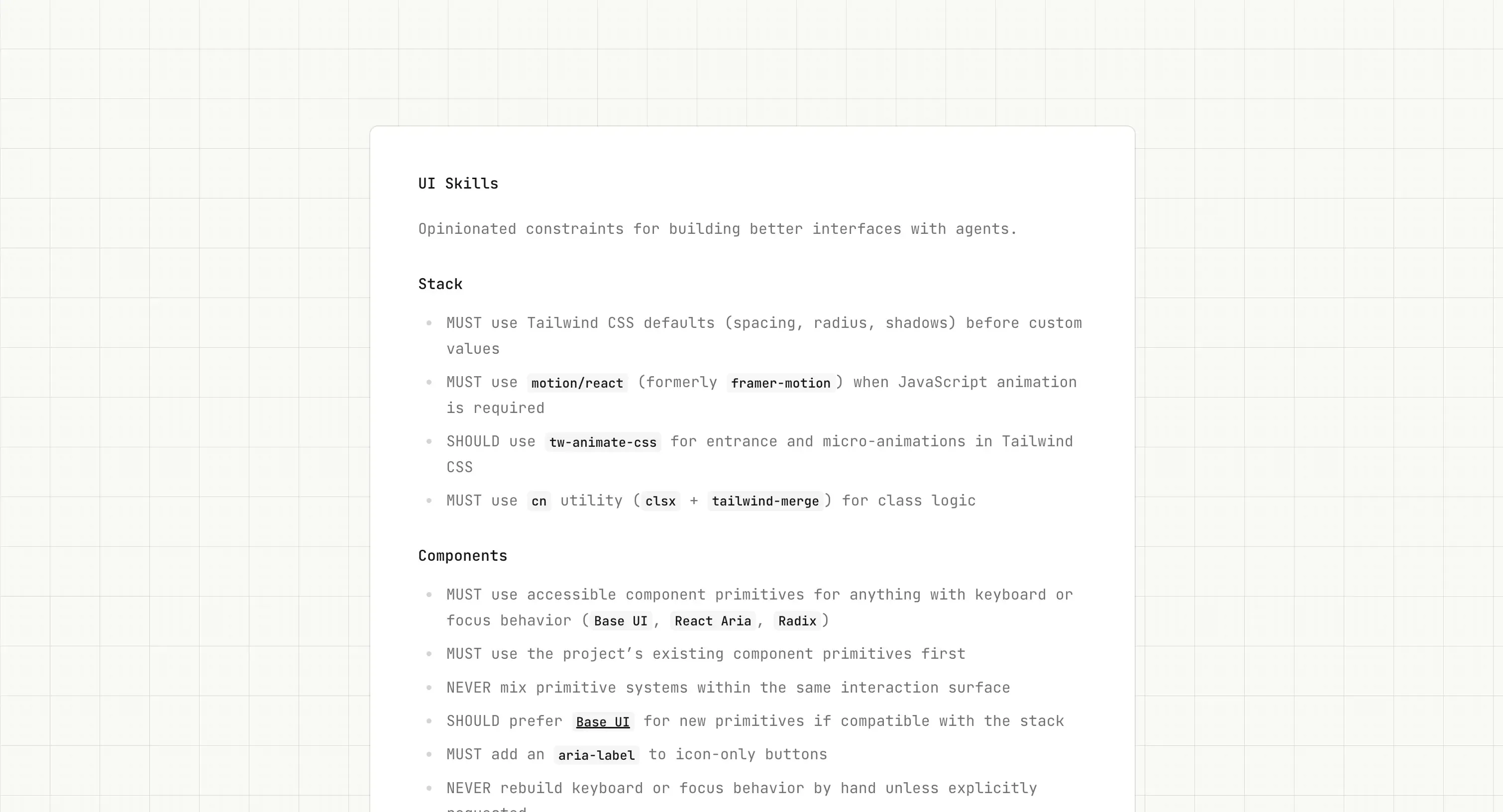
npx ui-skills start - What it is: Skills for design engineers — modular, independent skills where each one focuses on a single concrete design problem, so you only pull in what you need.
- Why it’s good: The
npx ui-skills startcommand routes your agent through the right skill set for the task at hand. It includes focused skills like baseline-ui (Tailwind design consistency), fixing-accessibility (accessibility audit and fixes), fixing-metadata (SEO metadata), fixing-motion-performance (animation perf), 12-principles-of-animation (applying Disney’s animation principles), responsive-design (responsive layout audit), and color-contrast (contrast checks). Ideal for developers who want targeted fixes for specific UI issues and prefer to install features on demand.
7. UX Researcher Designer
- GitHub: https://github.com/davila7/claude-code-templates
- ⭐ Stars: 30k+
- Install:
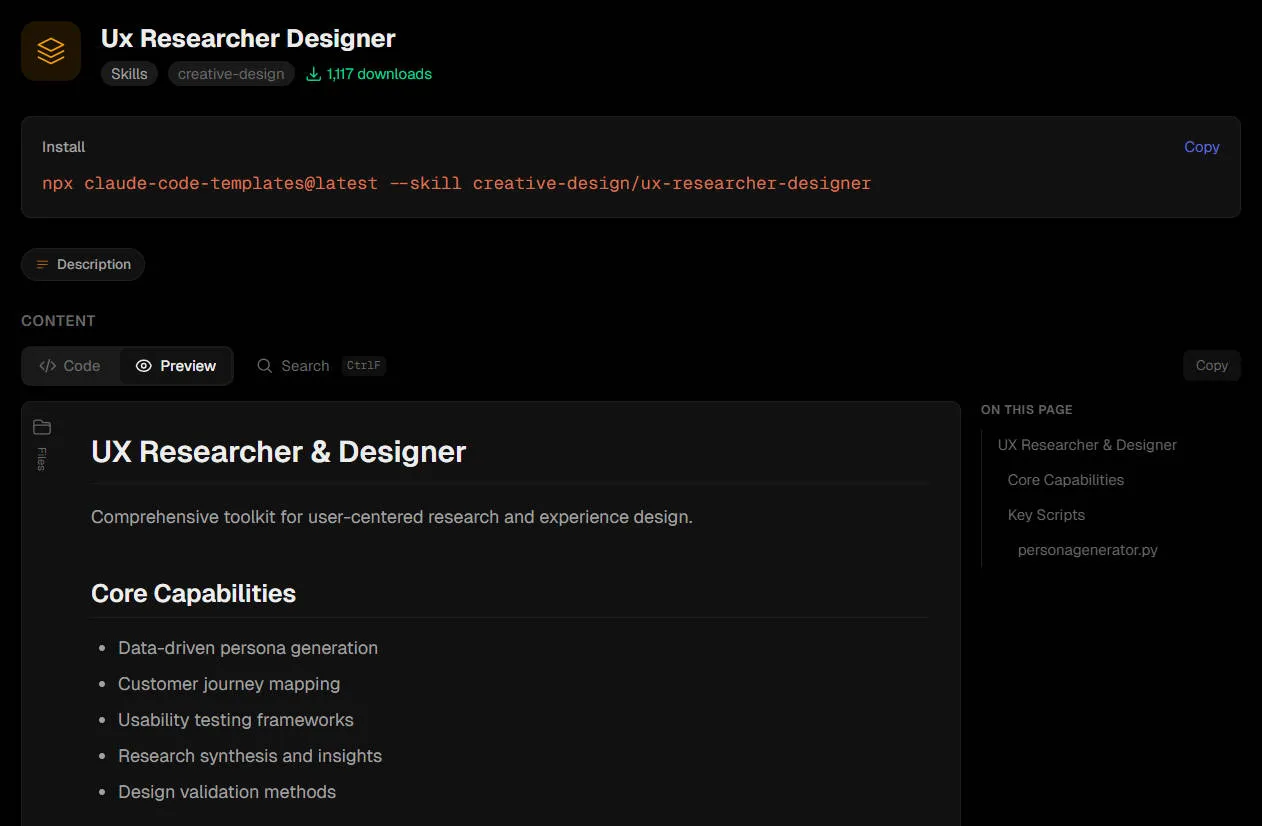
npx claude-code-templates@latest --skill ux-researcher-designer --yes - What it is: A skill focused on UX research methodology and design process, helping the AI understand core UX concepts like user research, usability testing, and information architecture. It lives inside Claude Code Templates, a comprehensive collection of ready-to-use agents, commands, settings, hooks, and MCPs.
- Why it’s good: It covers core capabilities including user research methodology, usability test design, user journey mapping, information architecture planning, and design-decision documentation. Ideal for UX researchers, product designers, and dev teams that need to run real user research.
8. UI Design Brain
- GitHub: https://github.com/carmahhawwari/ui-design-brain
- ⭐ Stars: 850+
- Install: Clone the repo into your Cursor skills directory, or copy the
SKILL.mdandcomponents.mdfiles into.cursor/skills/ - What it is: A Cursor skill with a curated knowledge base of 60+ component best practices, replacing the AI’s guesswork with knowledge sourced from component.gallery. For every component it includes best practices, common layout patterns, design philosophy, and anti-patterns to avoid.
- Why it’s good: Covers 60+ components (buttons, forms, navigation, modals, and more) and 5 built-in style presets — Modern SaaS, Apple-level Minimal, Enterprise/Corporate, Creative/Portfolio, and Data Dashboard. The result: interfaces that feel designed by a senior product designer, not assembled from a template. Ideal for frontend developers who want their UI shaped by a “senior product designer” rather than “template assembly.”
- Usage: Once installed, it activates automatically when you ask the AI to build UI — no explicit invocation needed. Just describe what you want naturally, e.g. “Build a settings page with a sidebar navigation, toggle preferences, and a profile section” or “Create a data table with search, filters, sortable columns, and pagination.” The AI will identify the components, look up best practices, apply the right style, and generate production-ready code.
Final Thoughts
These 8 Design Skills fall into four categories:
- Creative direction (Frontend Design, Taste Skill, Impeccable) helps avoid generic templates and produce distinctive design.
- Design intelligence (UI/UX Pro Max, UI Design Brain) provides design databases and best-practice references.
- Quality & compliance (UI Skills’ accessibility modules) ensures WCAG compliance and performance optimization.
- Engineering workflow (Designer Skills, UX Researcher Designer) provides complete design workflows and research methodology.
The most effective strategy is to combine them. Start with Frontend Design to guarantee aesthetic quality, add UI/UX Pro Max for design intelligence, and finish with UI Skills’ accessibility module to ensure compliance. They don’t conflict — they build on each other, layer by layer.
If you often use AI to assist with design and development, add these skills to your toolbox and make creative exploration that much more efficient!