Explore Visual Boundaries — 10 Design Tool Sites Worth Bookmarking
Let’s talk about my design experience. A lot of visual effects and design work actually doesn’t happen in heavyweight design apps like Figma — it happens across all sorts of single-purpose websites and tools. Finding competitor inspiration, generating mockups, fine-tuning a complex mesh gradient, compressing an image into a lo-fi retro look, or even glitch-style animation — if every one of these odd jobs had to go through AE, PS, or Figma, the drawing and tweaking alone would eat up all your time.
In recent years, more and more design tools have moved into the browser, each focused on a single job. No installation, open and use, and mostly free — for designers who need to validate an idea quickly, this lightweight experience is almost zero-friction.
This article collects 10 of the latest design tools, covering four stages: inspiration discovery, motion and device mockups, gradient generation, and retro pixel visual processing. Each one only solves a small problem on its own, but strung together they form a lightweight production chain that helps you ship design work faster.
Below, grouped by purpose.
1. Build Your Aesthetic Inspiration Library
No matter how good the tools are, you can’t get around “what to look at.” This category of tool gathers good design scattered across the internet by recency and domain, saving you the time of endlessly scrolling feeds.
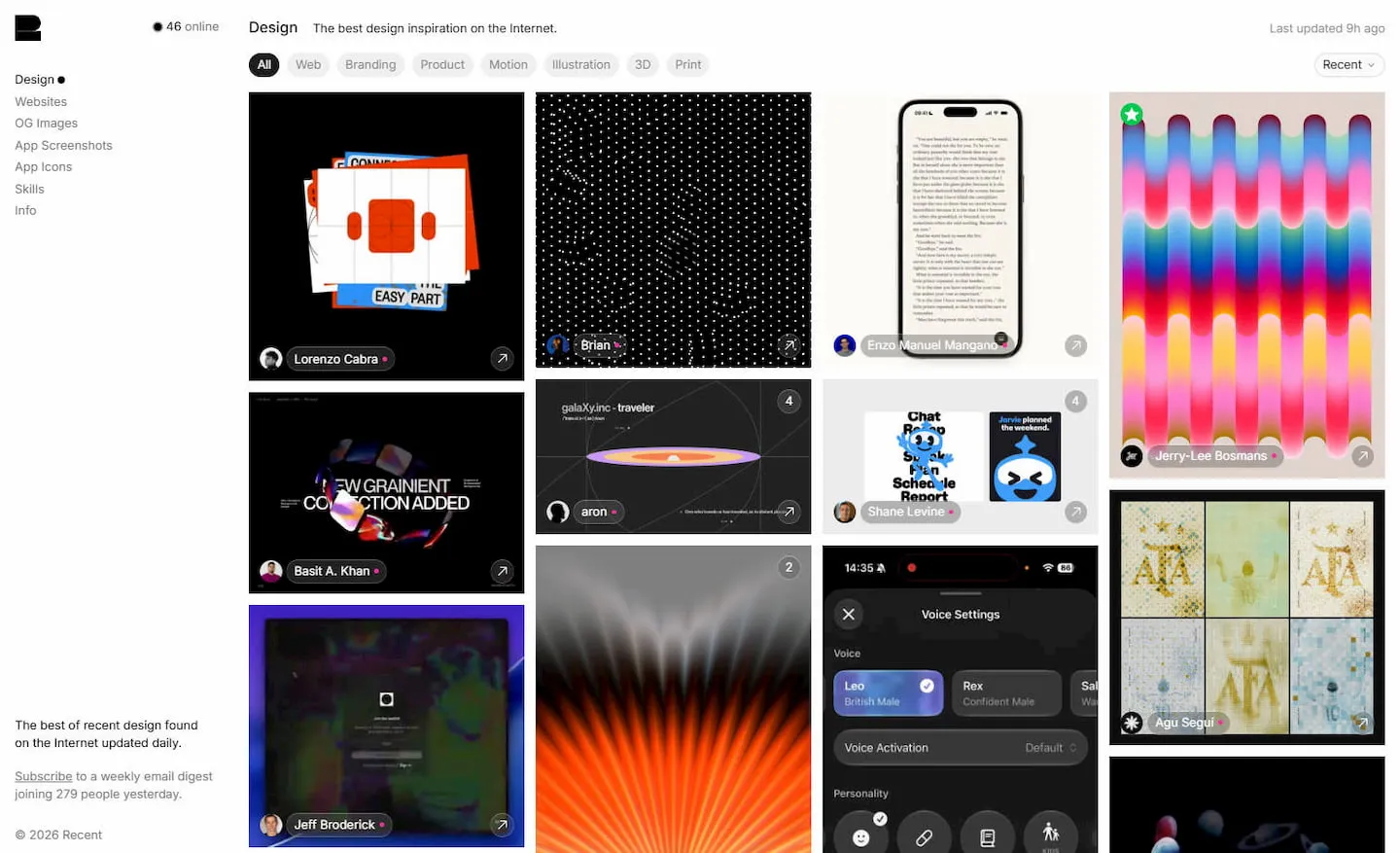
1. recent.design
- Website: https://recent.design
- What it is: A daily-updated design curation site that collects the freshest outstanding work on the internet each day, covering web, branding, product, and motion. Think of it as a “design world’s daily headline” — open it once each morning and you know what the industry is buzzing about.
- Why it’s good: Human curation keeps the quality high, the update cadence is steady, and it makes a perfect morning inspiration page.
2. icon.museum
- Website: https://icon.museum
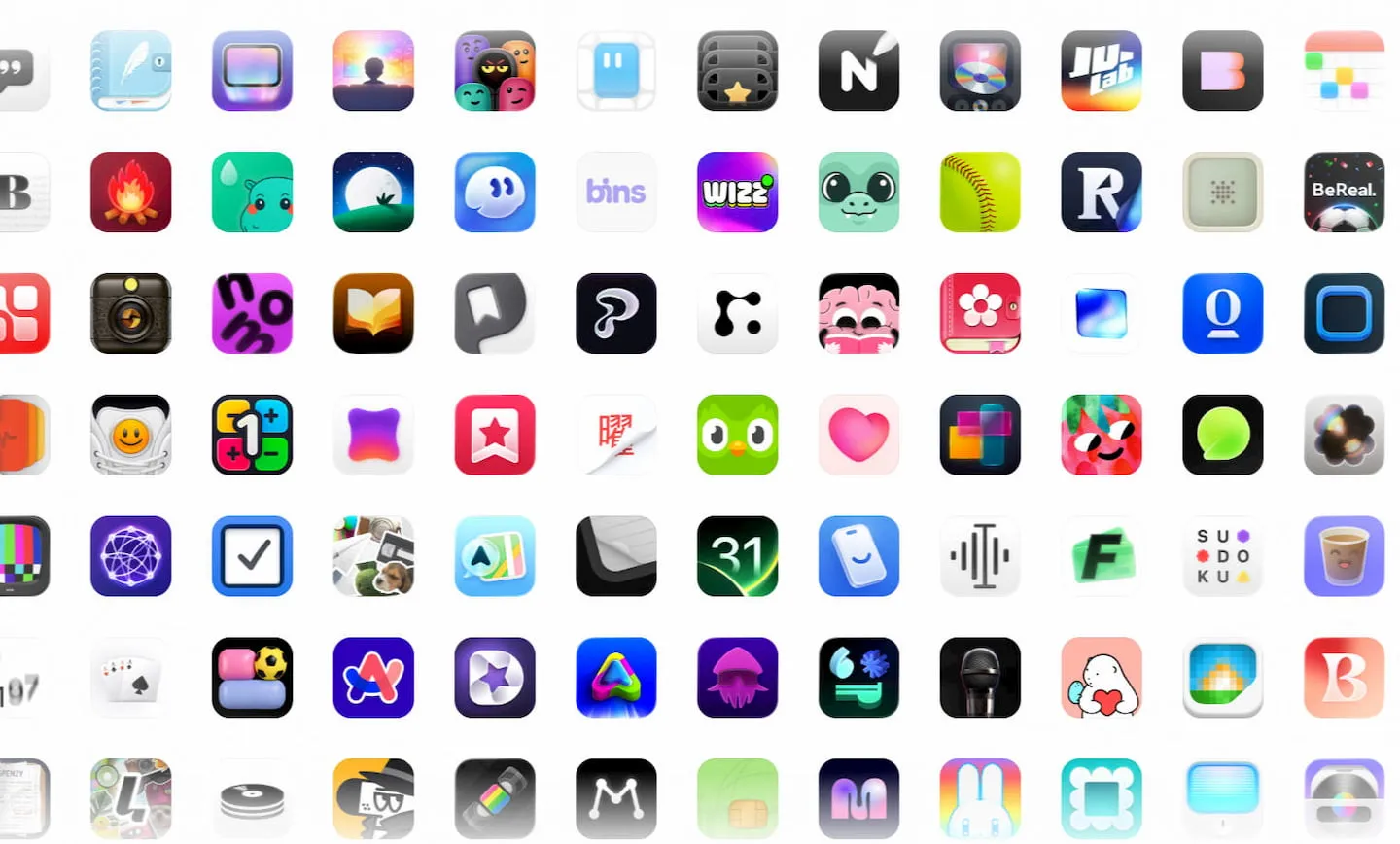
- What it is: A curated gallery and inspiration library focused on app icons, showcasing high-quality icon design for iOS / macOS and similar platforms. For designers working on mobile projects who need to polish icon details, this is a deeply vertical reference source.
- Why it’s good: Domain-focused with a high quality bar for inclusion — you can directly see how peers handle icon shape, color, and texture, and the browsing interaction itself is really interesting.
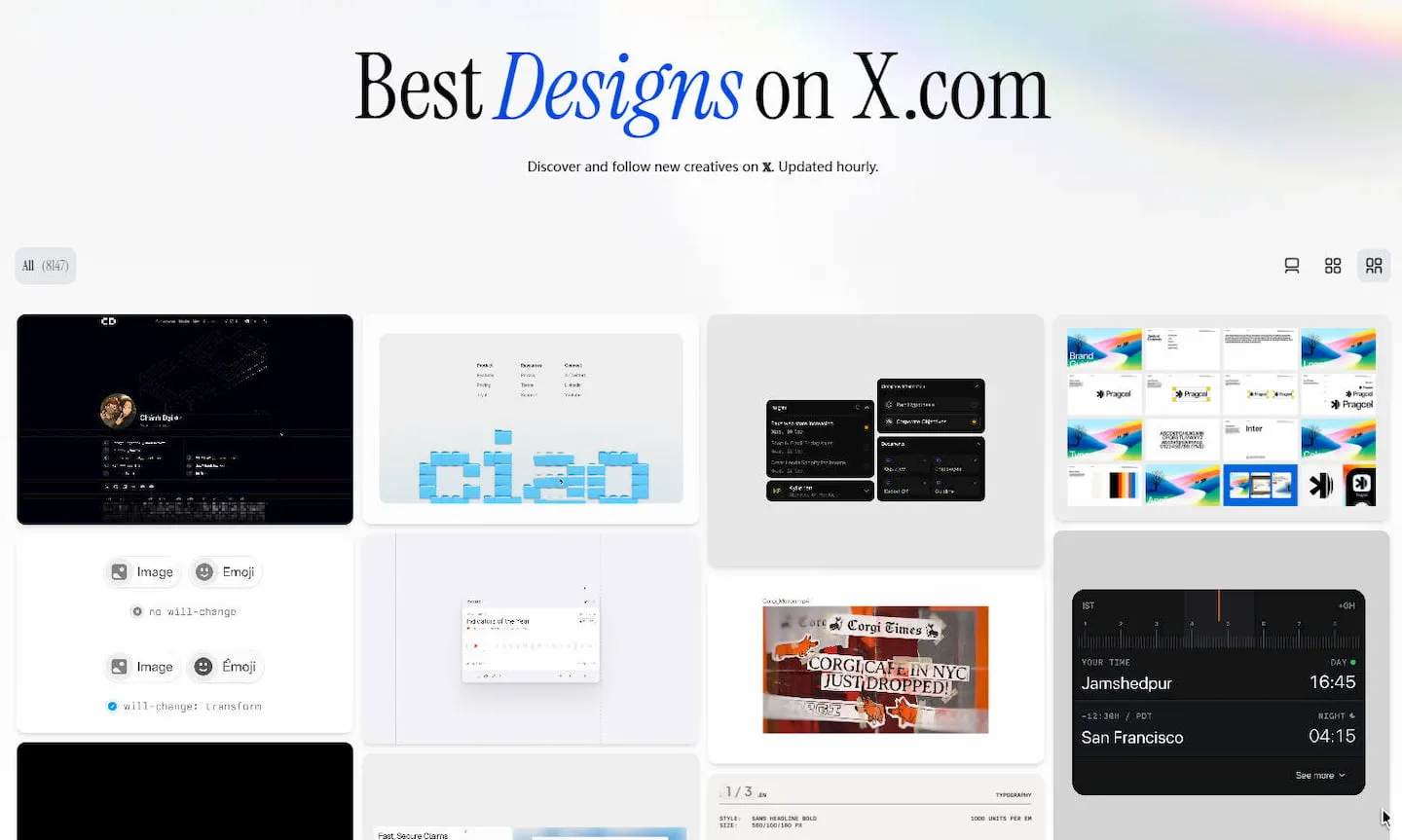
3. bestdesignsonx.com
- Website: https://bestdesignsonx.com
A site that scrapes and organizes outstanding creative work from X (Twitter) every hour, helping you quickly browse the latest shares from the platform’s most active designers. Good content on social platforms easily gets buried by the algorithm, and this site acts as a dedicated aggregator just for design content.
- Why it’s good: Extremely timely — updates are measured in hours, perfect for chasing trends and seeing what top designers are sharing right now, and the quality is consistently high. I use it all the time.
2. Motion & Mockups — Dynamic Is the Mainstream Trend
Static images struggle to fully convey the vitality of a design. This category of tool tackles the “presentation” stage — getting your work onto a device, adding motion, and turning it into a video or GIF in as little time as possible.
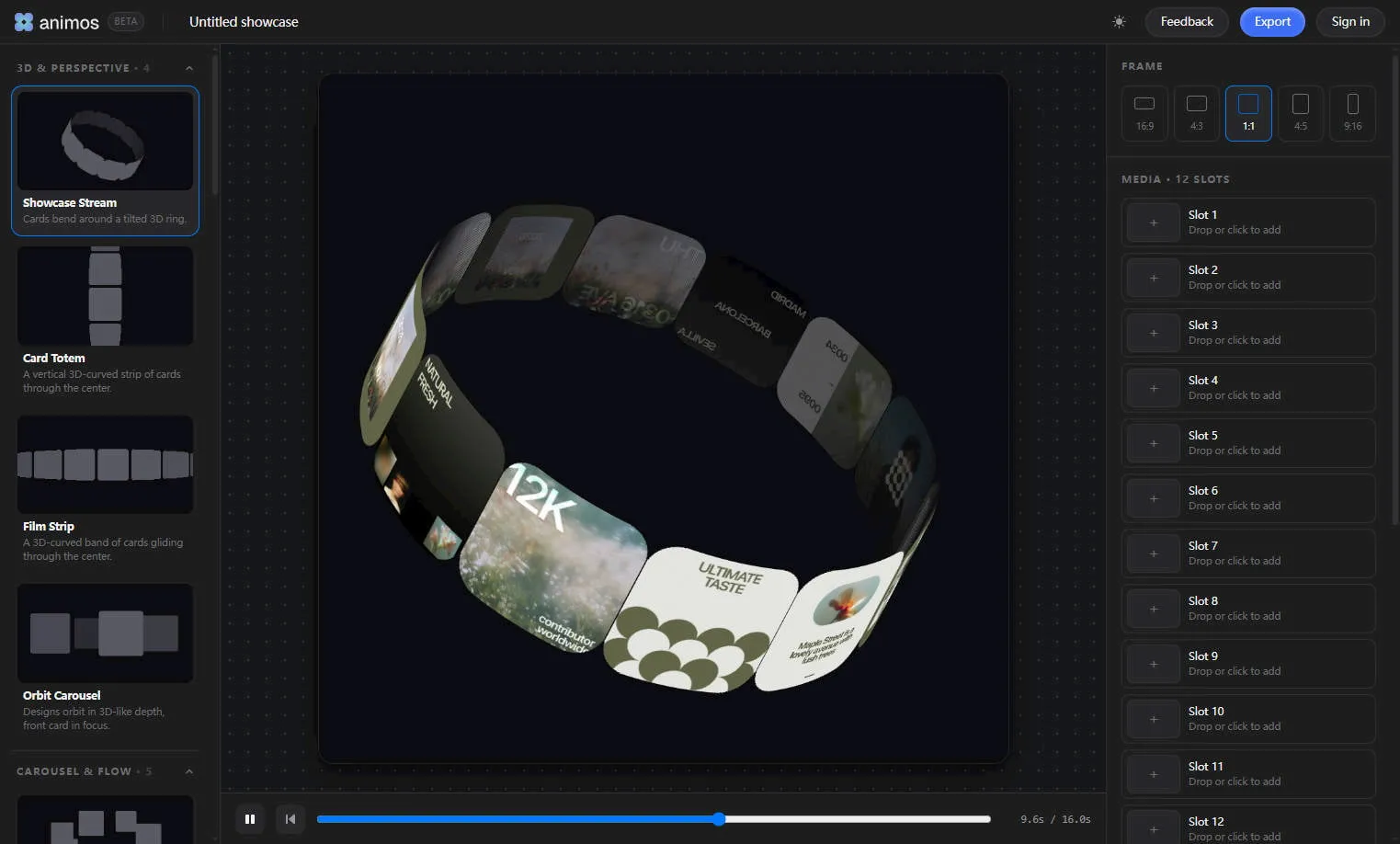
4. animos.app
- Website: https://animos.app
- What it is: A browser-based motion presentation template tool that offers pre-built animation templates, letting designers quickly wrap their work in show-ready motion to produce flashy presentation clips — no software install required.
- Why it’s good: Template-driven, low learning curve — a few steps turn a static design draft into an animated showcase, ideal for portfolios and sharing.
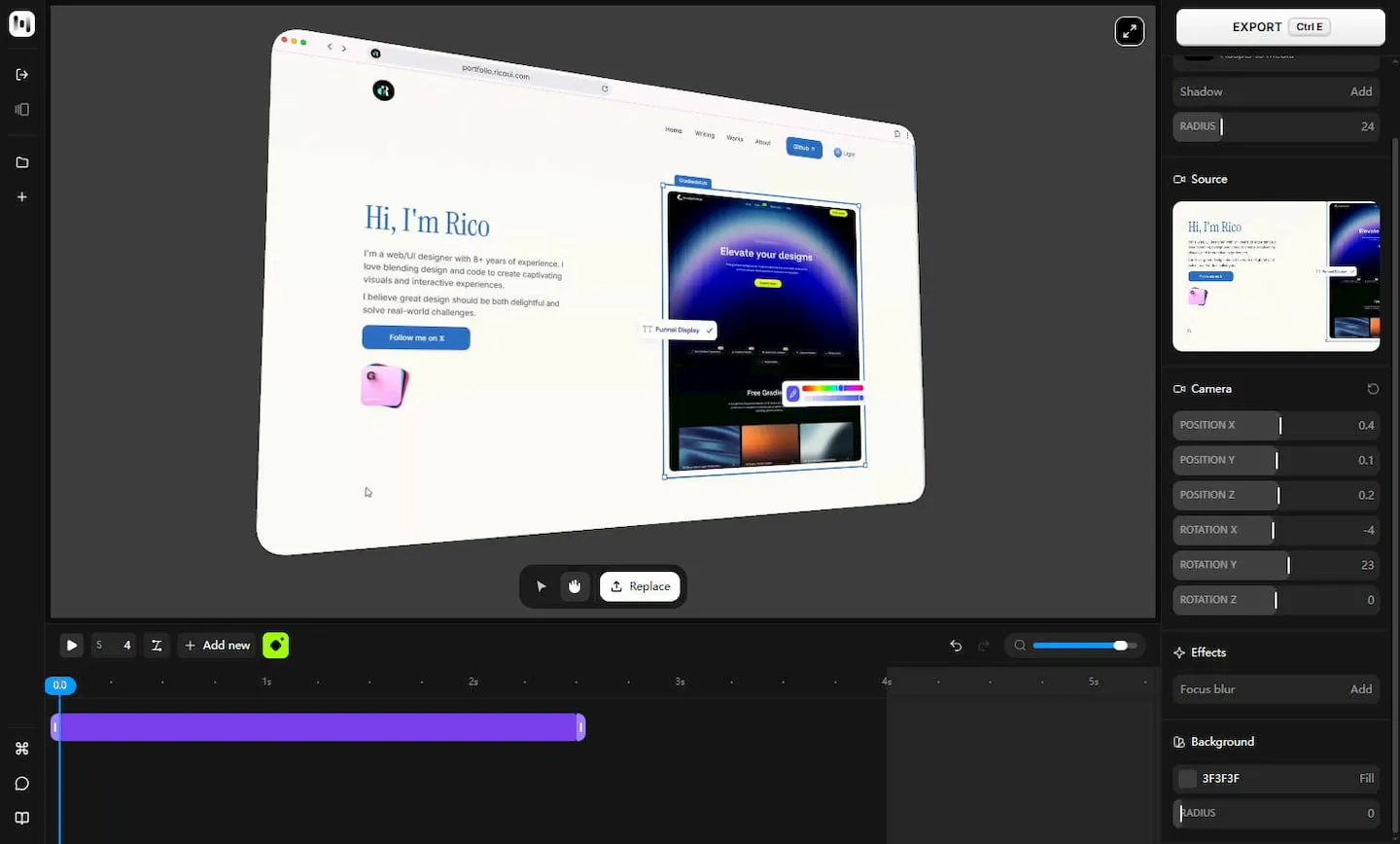
5. hano.so
- Website: https://hano.so
- What it is: A browser-based 3D device model and animation studio that quickly generates 3D mockups of phones, tablets, and other devices, with support for adjusting proportions and exporting animations. Compared to flat mockups, the 3D presentation has more depth and dimension.
- Why it’s good: Supports 3D interaction and multi-angle rendering — once you export the animation you can drop it straight into product intros or launch collateral, and the quality is a clear step above flat overlays.
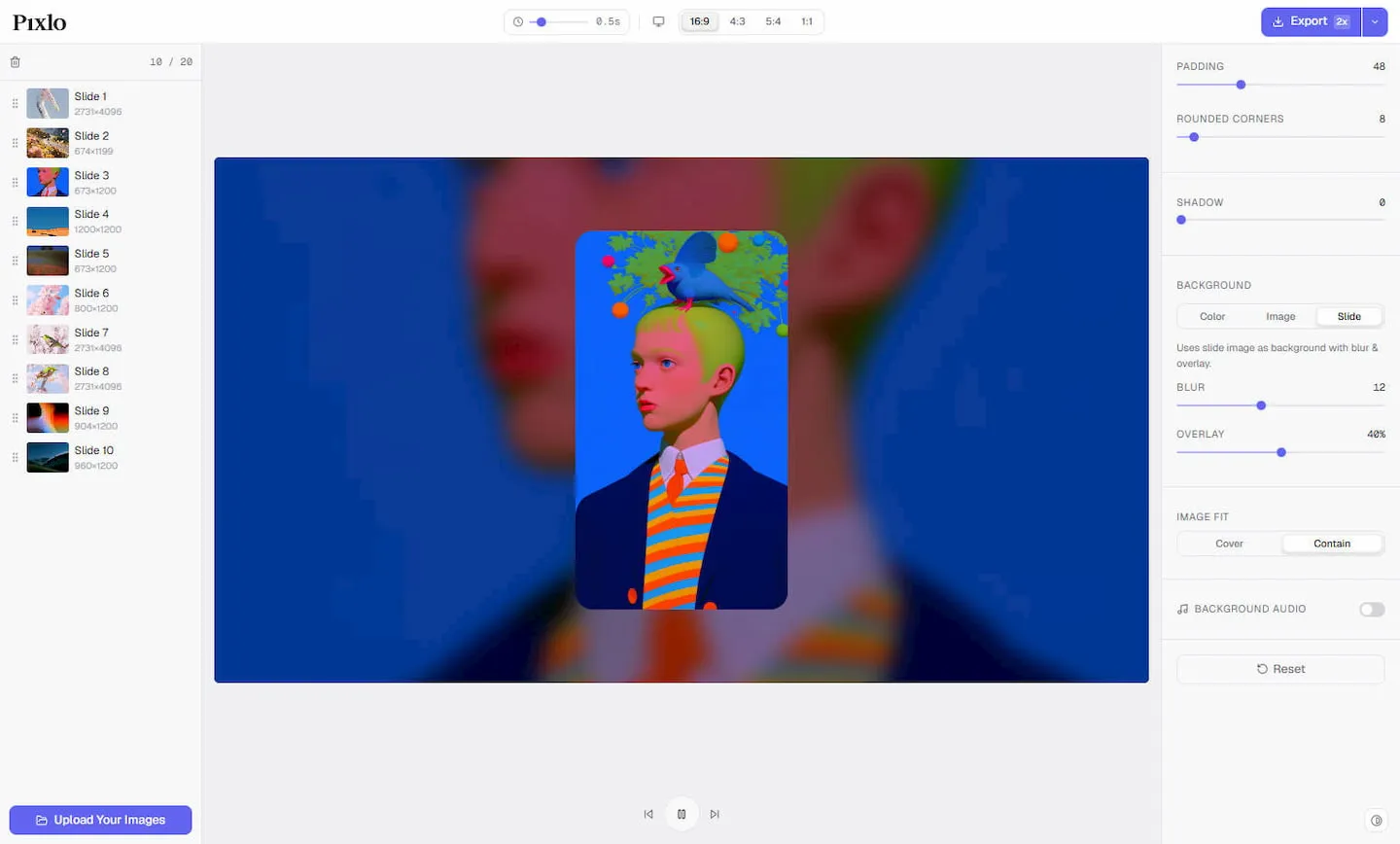
6. pixlo.me
- Website: https://pixlo.me
- What it is: Turns static photos into recap videos, letting a set of images become a dynamic short film with narrative rhythm. For year-end recaps, event highlights, project retrospectives — anything that needs “storytelling” — it saves a ton of effort over manual editing.
- Why it’s good: Highly automated photo-to-video, great for non-editor users who need to quickly produce recap-style content.
3. Gradients & Generative Visuals — The Visual Backbone in the Background
Backgrounds are one of the most frequently used elements in UI and visual design, but whether it’s hand-writing a smooth, band-free gradient or building a dynamic shader from scratch, neither is easy. The two tools below — one for gradients, one for generative effects — make the whole thing controllable.
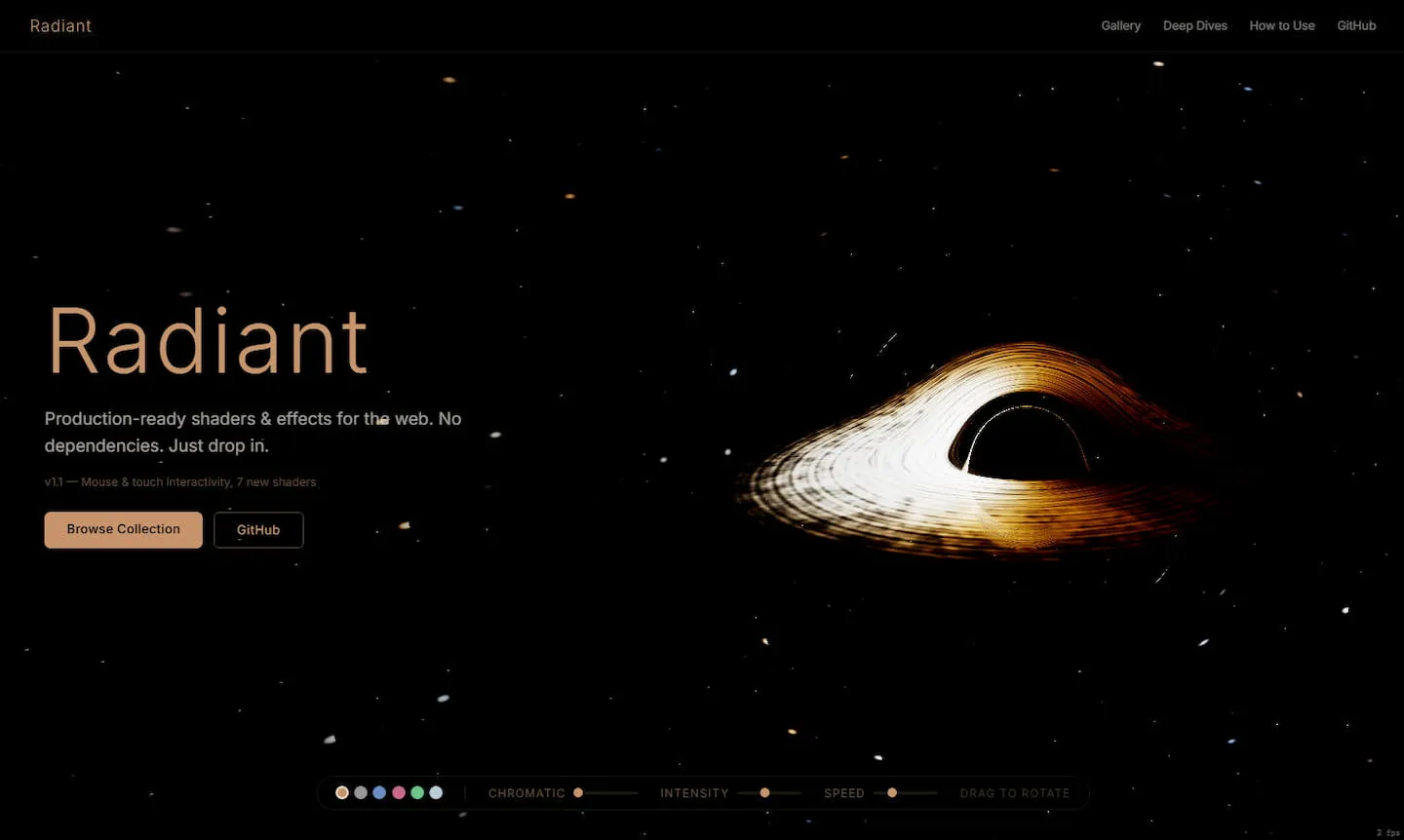
7. radiant-shaders.com
- Website: https://radiant-shaders.com
- What it is: An open-source collection of web shaders and visual effects, featuring 50+ production-grade shaders and visual effects. Each one is a standalone, zero-dependency single HTML file — copy the source and use it directly, or drop it into an AI coding tool like Claude Code or Cursor and let the AI tweak colors, adjust timing, or adapt it to your own project.
- Why it’s good: MIT-licensed open source, no build step, no dependencies, copy-and-go; supports mouse and touch interaction, and effects can be dragged around directly in the browser — ideal for frontend / visual projects that need dynamic backgrounds, generative visuals, or advanced motion.
8. gradientool.com
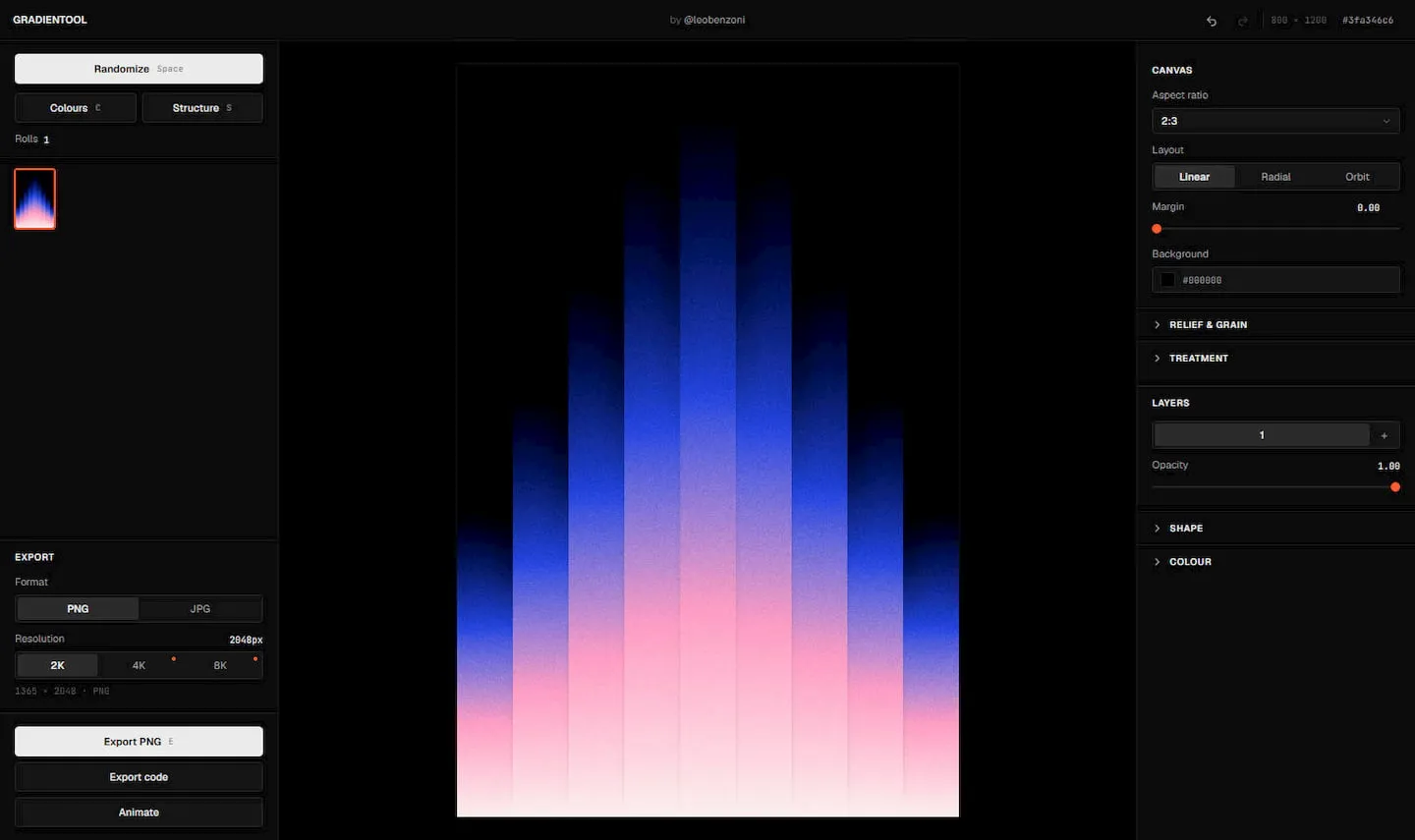
- Website: https://gradientool.com
- What it is: A minimalist gradient generation tool focused on quickly creating all kinds of gradient effects. Unlike Radiant above, which takes a code-generation route, it leans toward “open, tweak, done” — perfect for when you need a batch of candidate backgrounds in a hurry.
- Why it’s good: Fast to pick up, fast to output — highly efficient when sampling colors or backgrounds for UI / visual design.
4. Retro & Pixel Visuals — A Different Flavor
Retro and lo-fi styles have been making a comeback in recent years. These tools compress images into dither, halftone, ASCII and other pixel effects, adding a layer of “grain” to otherwise clean designs.
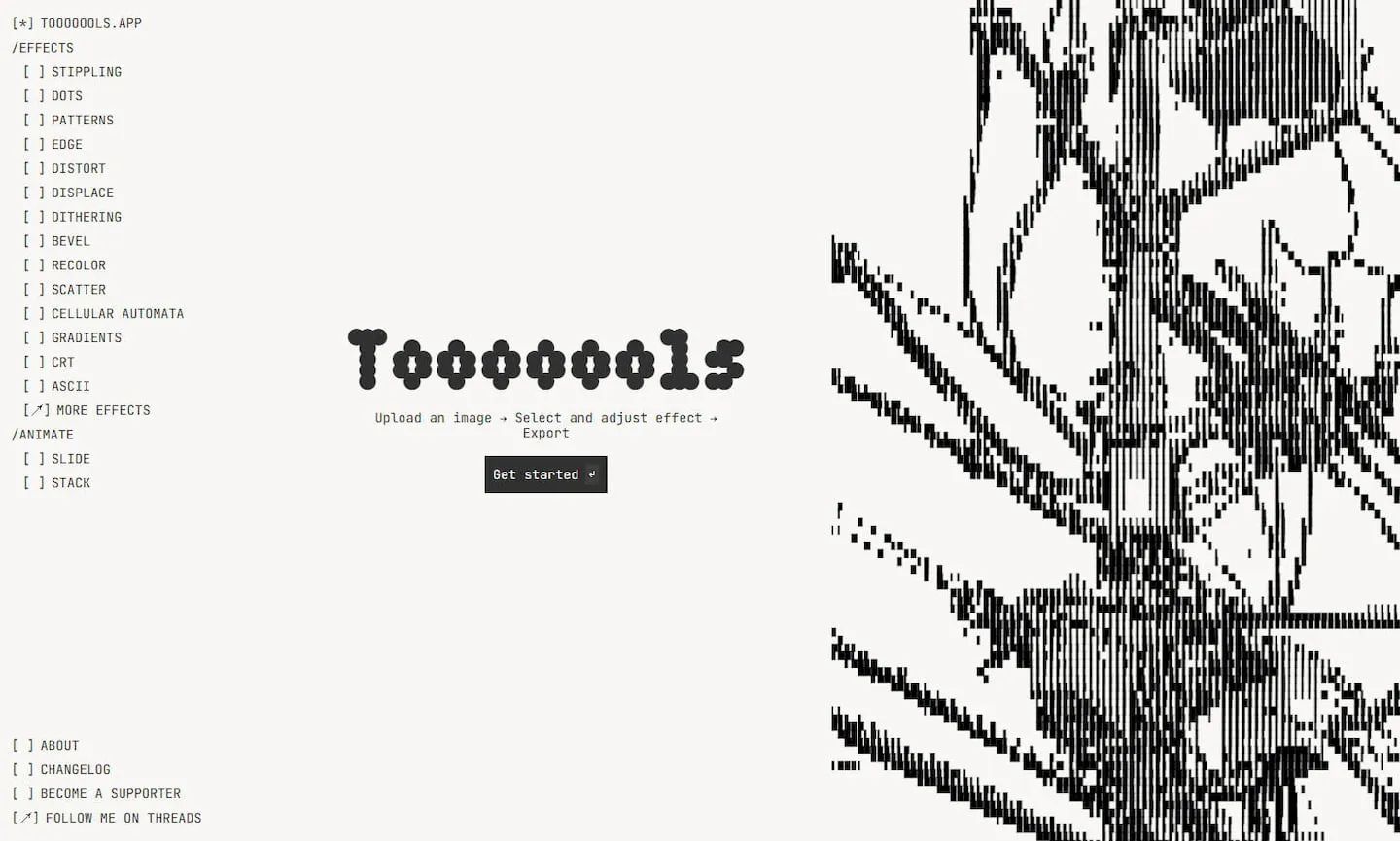
9. tooooools.app
- Website: https://tooooools.app
- What it is: A lo-fi effect tool for images and videos, offering dither, halftone, gradient, and other retro / low-fidelity filters. Free, no sign-up required — open the page and start processing, and both images and video are supported.
- Why it’s good: Zero friction, dual image/video support — ideal for quickly slapping a retro filter on assets for a stylized experiment.
10. ditther.com
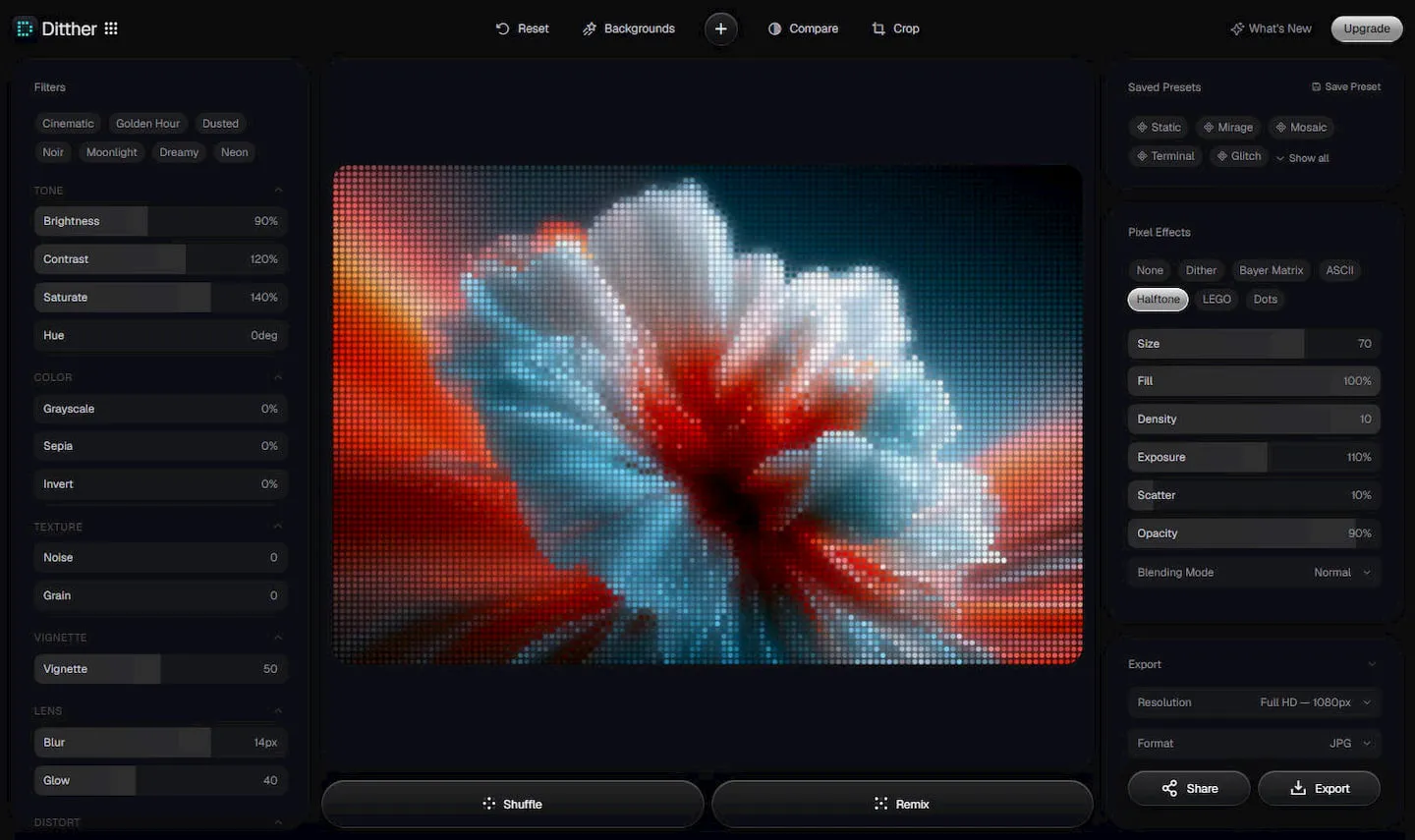
- Website: https://ditther.com
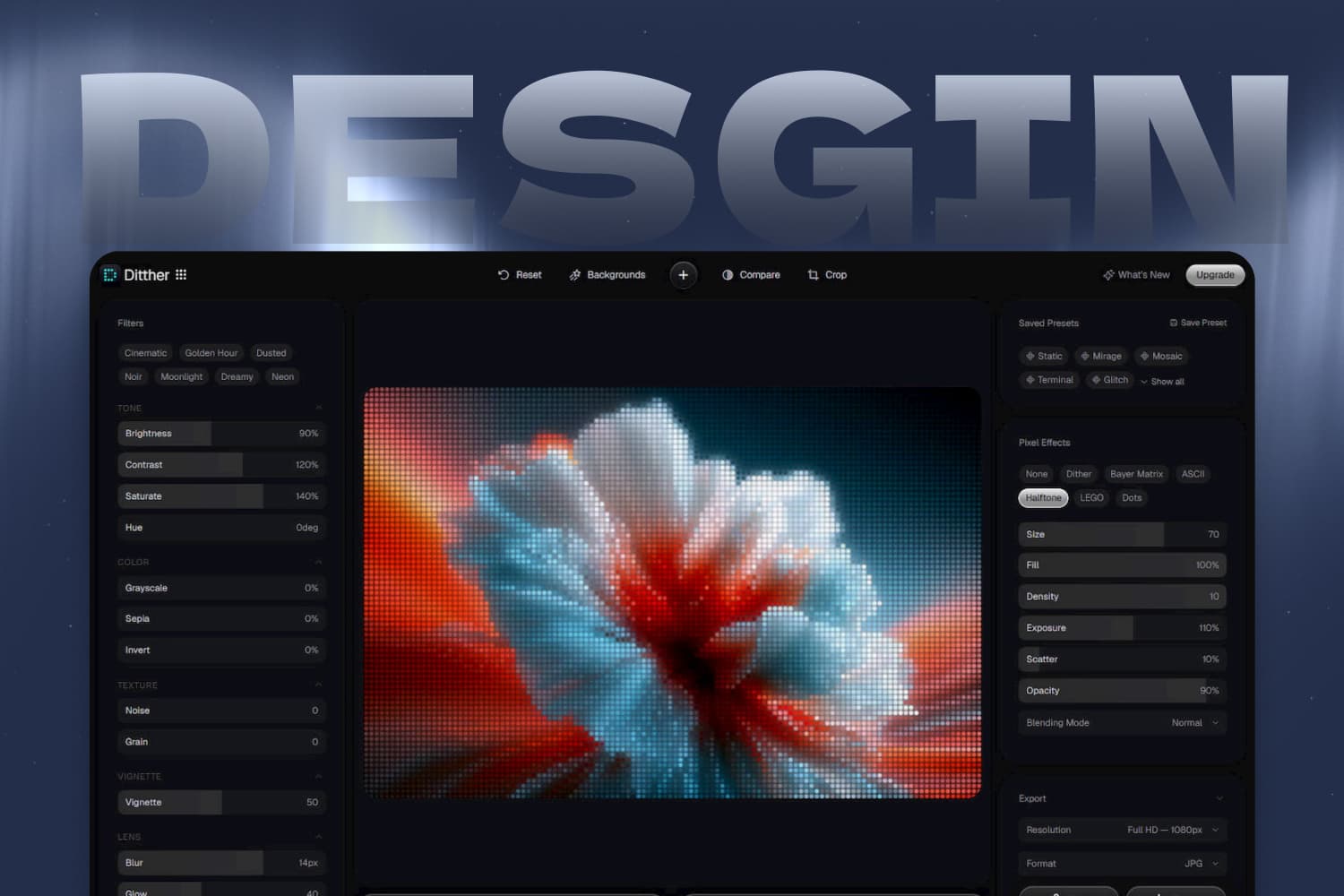
- What it is: A tool dedicated to pixel effects like dither, ASCII, and halftone, capable of transforming images into retro pixel art, LEGO style, and many other forms, with a random remix button to switch styles in one click. Compared to tooooools.app, its style categories are finer and more oriented toward pixel art as a direction.
- Why it’s good: Rich styling options, and the remix mechanism makes rapid trial-and-error easy — well-suited for experimental pixel-art creation.
Tools Are the Means — the Production Chain Is the Goal
Looking back at these 10 tools, they actually map onto several key nodes of the design production flow: first an inspiration source, then turning the work into a dynamic presentation, dialing in a fitting gradient when needed, and finally swapping the visual flavor with a retro or pixel effect. Once this chain is sorted out, a lot of fragmented needs can be solved end-to-end in the browser, without bouncing between local apps.
A shared trait worth noting is that almost all of these tools follow the “open and use” logic — run in the browser, free or low-friction, focused on one feature. The reasoning behind this lightweight trend is straightforward: when a tool only solves one problem, it’s easier to push it to excellence and make it effortless, and easier to fold into a personal workflow.
This lightweight wave actually shares a root with the rise of Vibe Coding. A few years ago, building a page with a 3D gradient background and glitch animation meant grinding through shaders and graphics theory first; now, with AI coding tools, creatives can describe the effect they want in natural language and turn the picture in their head into runnable code within a few rounds of conversation. Once the technical barrier is moved out of the way, more people stop being blocked by “implementation” and can put their energy back into ideas and expression. That’s also why, over the past year or two, you’ve been seeing so many wildly imaginative, each-does-their-own-thing small tools — behind them is a group of creators turning flashes of inspiration into real, shipped products.
In practice, my advice is to pick combinations by need rather than bookmarking everything. For daily inspiration, keep one or two sources you open every morning; for motion and mockup tools that are low-frequency but high-impact, hold them in reserve for project showcases; and for gradients and visual styling, play with them casually during the exploration phase. Rather than hoarding, let the few that truly fit your hand settle into habit.
Design itself is always the core — tools are just a faster path to landing your ideas. I hope somewhere in this list there’s one or two that happen to fill a gap in your workflow.