Is FeralUI Gradients Worth Using? A Gradient Tool That Exports CSS, SVG, and MP4
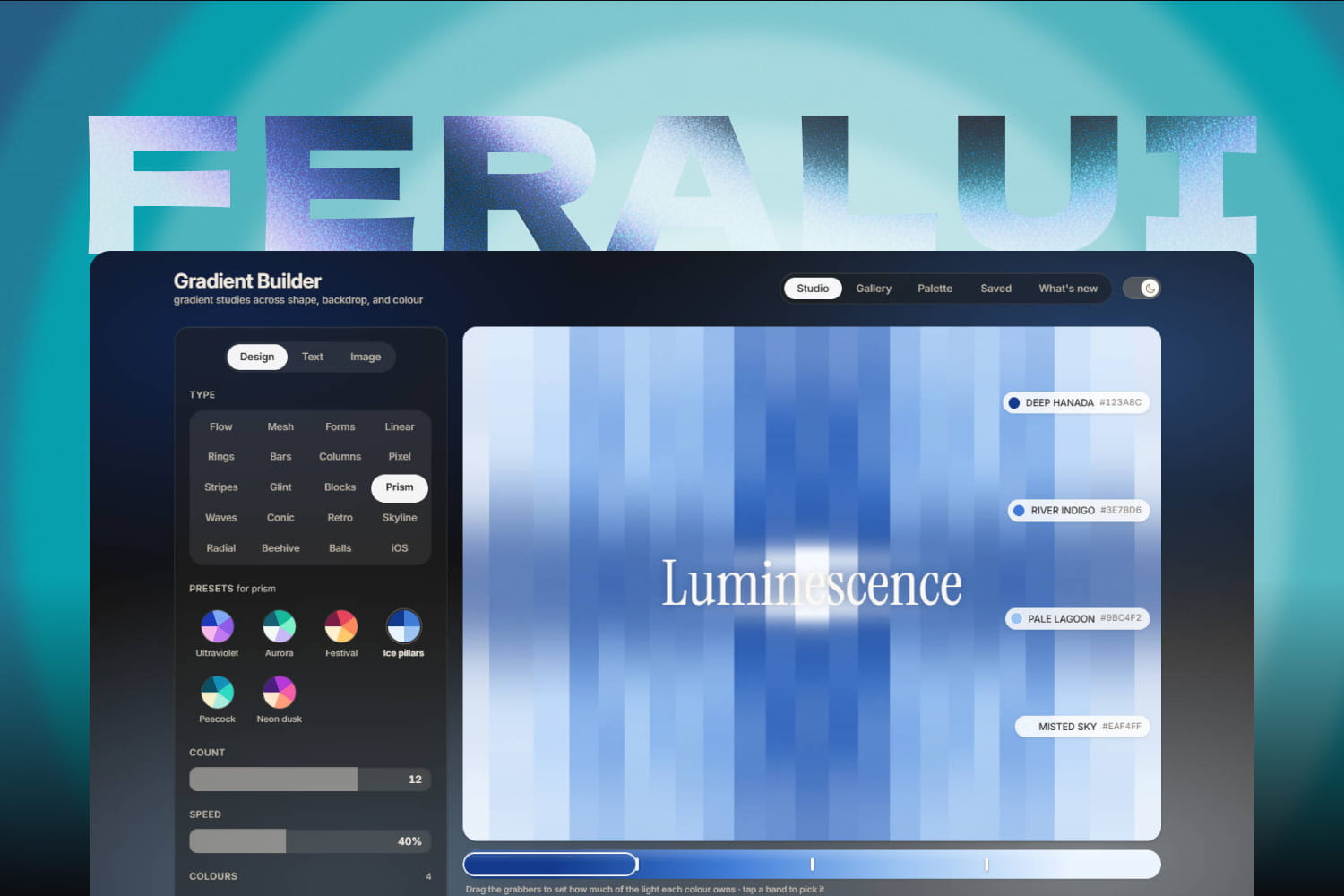
FeralUI Gradients is a recently released gradient-making tool from FeralUI. FeralUI is best known for playful, physics-driven React elements—think a pull-cord theme switcher, a claw-machine CAPTCHA, and fluffy display type. Gradients feels more like a standalone visual editor: choose a colour theme, adjust a few controls, build a gradient with a distinct texture or motion, then add text or images and export it in the format you need.
Compared with most gradient tools, FeralUI offers a much broader set of built-in styles and colour themes. Combined with its adjustable controls, that makes it easier to arrive at a background that feels personal rather than generic. The standout feature is video export.
Try it at feralui.dev/#/gradients.
How it works
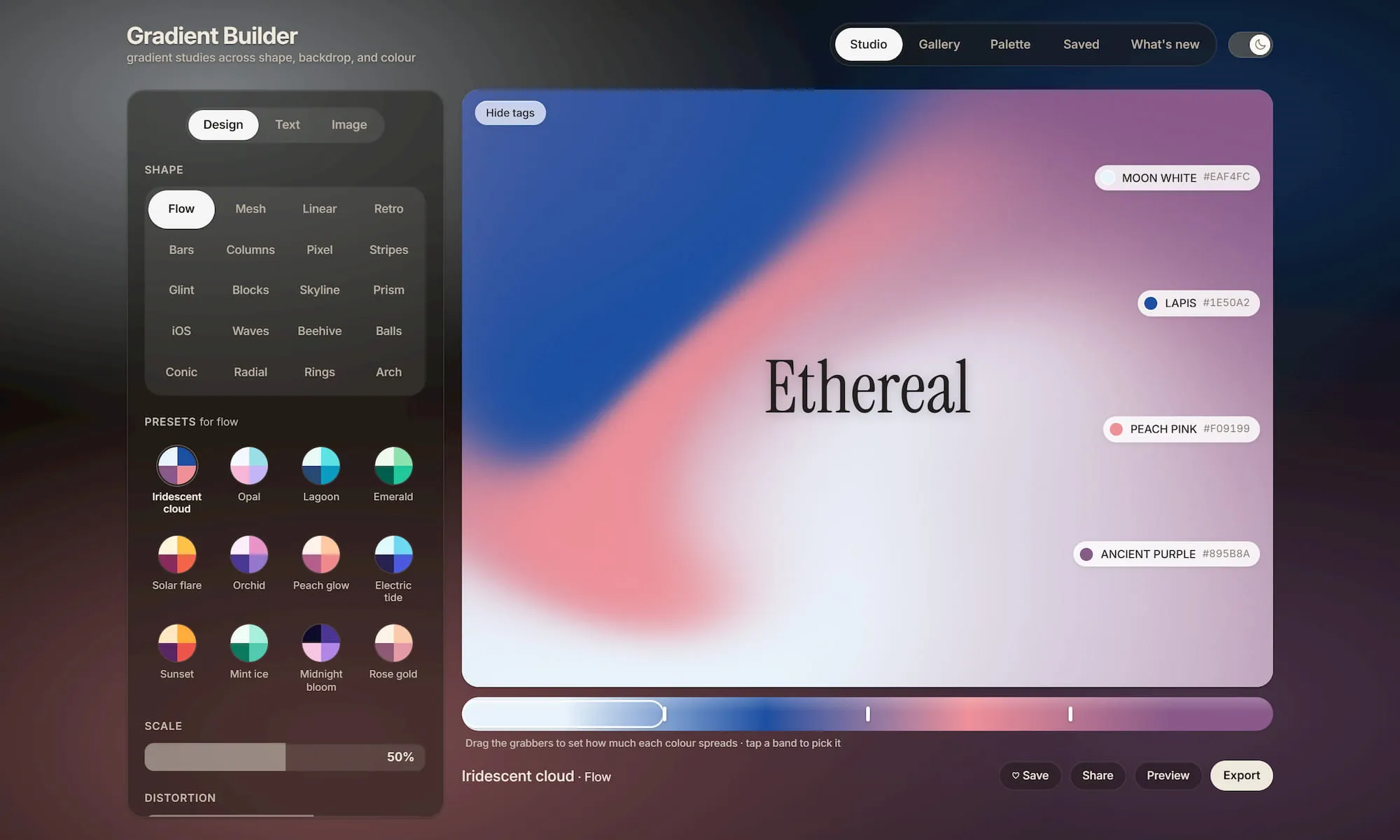
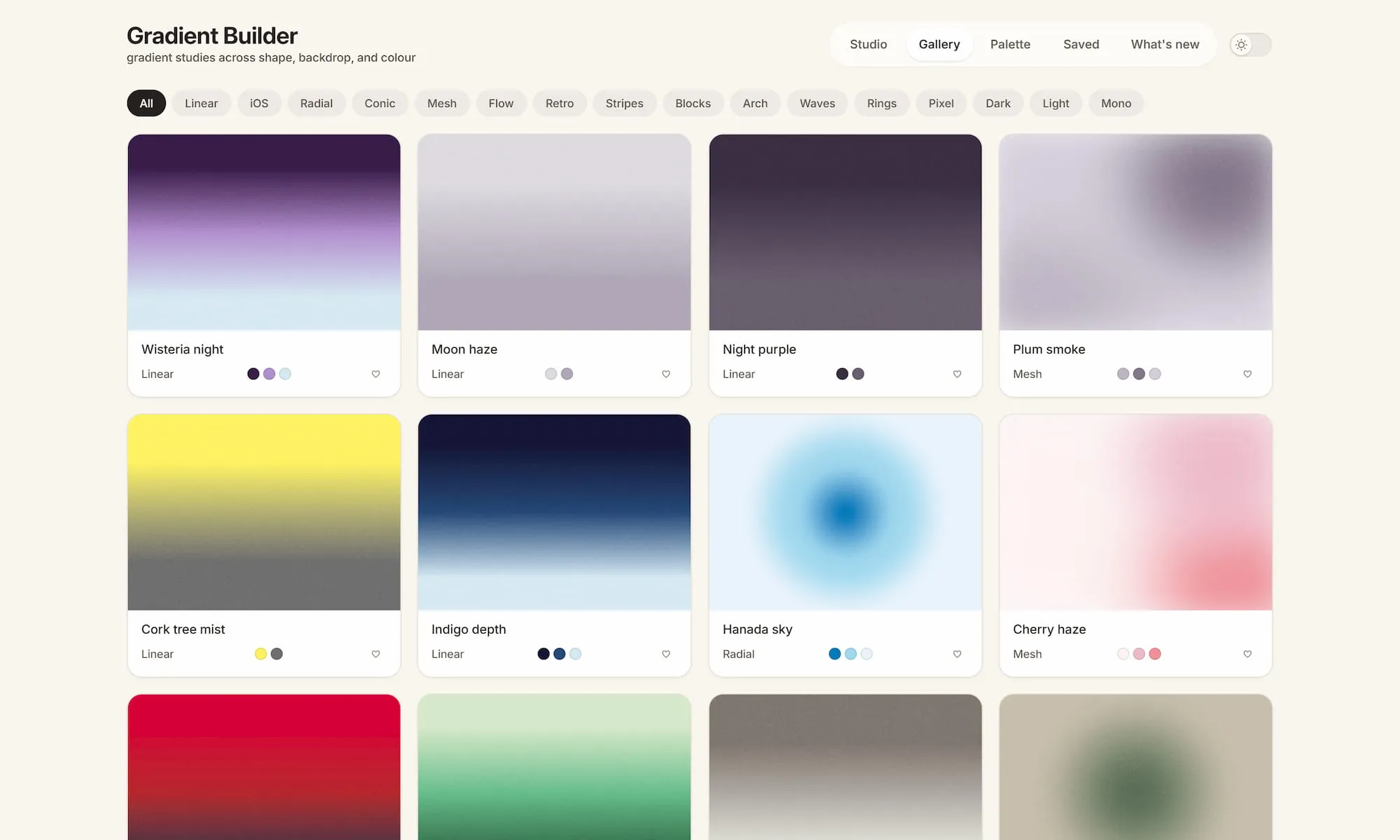
The interface is split into four sections: Studio, Gallery, Palette, and Saved.
Studio is the main workspace, with controls on the left and an editable canvas on the right. It includes 20 base gradient styles, including Mesh, Radial, Stripes, Waves, Bars, and Retro. Depending on the style, you can adjust properties such as angle, softness, wave behaviour, speed, and count—far more than simply picking two colours and a direction.
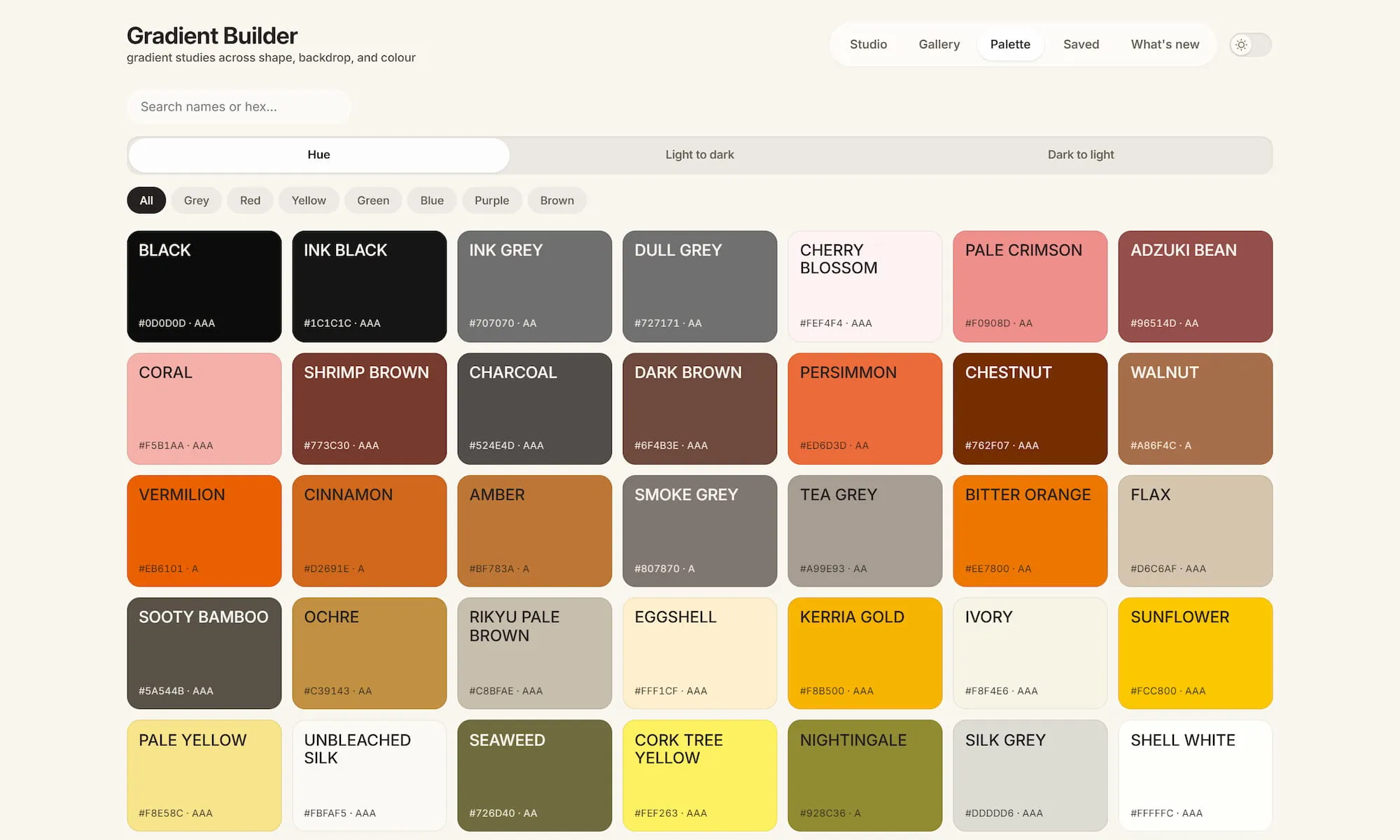
Gallery is the place to start when you need a direction. Find a preset that is close to what you have in mind, then return to Studio to refine it. Palette contains hundreds of named colours that can be paired with any gradient style. You can search by colour name or hex value, and sort swatches by hue or lightness. Saved keeps the versions you want to return to. Browse first, edit second, save the good ones—the workflow makes sense.
The editor
The control panel has three tabs: Design, Text, and Image.
- Design: Add or remove colours, adjust Noise and Soften, and drag mesh points directly on the canvas.
- Text: Text boxes support font size, typeface, colour, letter spacing, line height, shadows, blur, curvature, and rotation—enough control for covers, banners, and social graphics.
- Image: Add an image or logo, then adjust recolouring, size, rotation, corner radius, opacity, shadow, and blur.
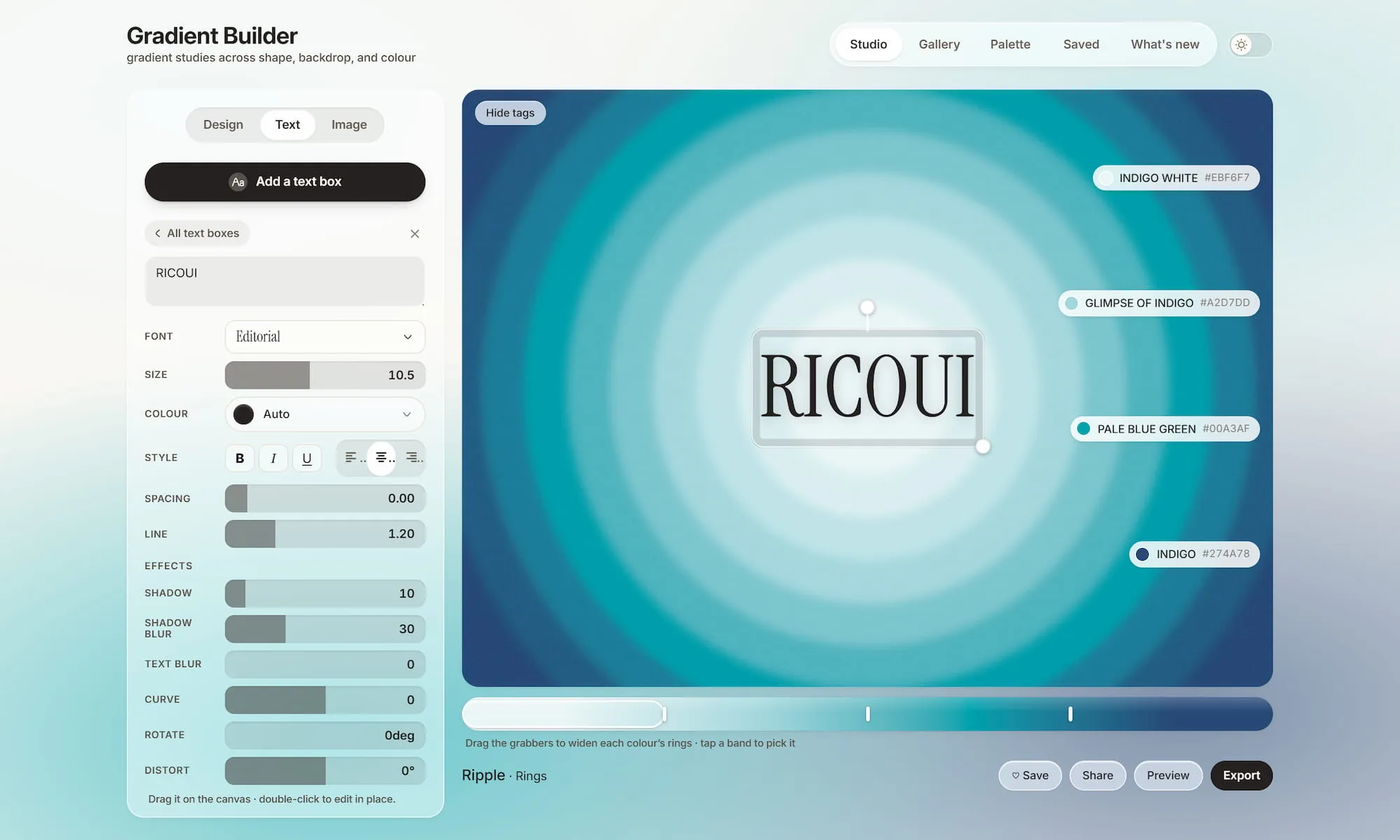
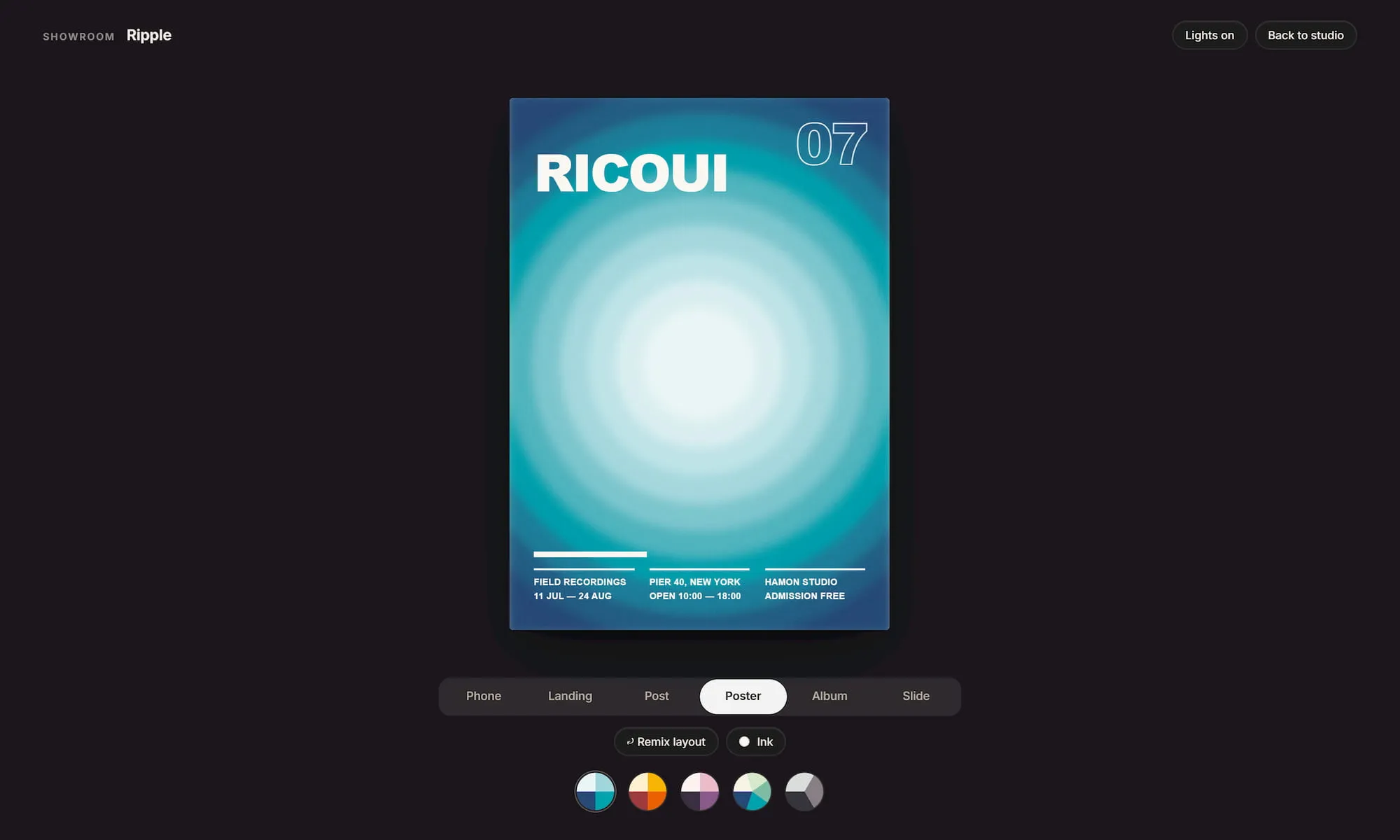
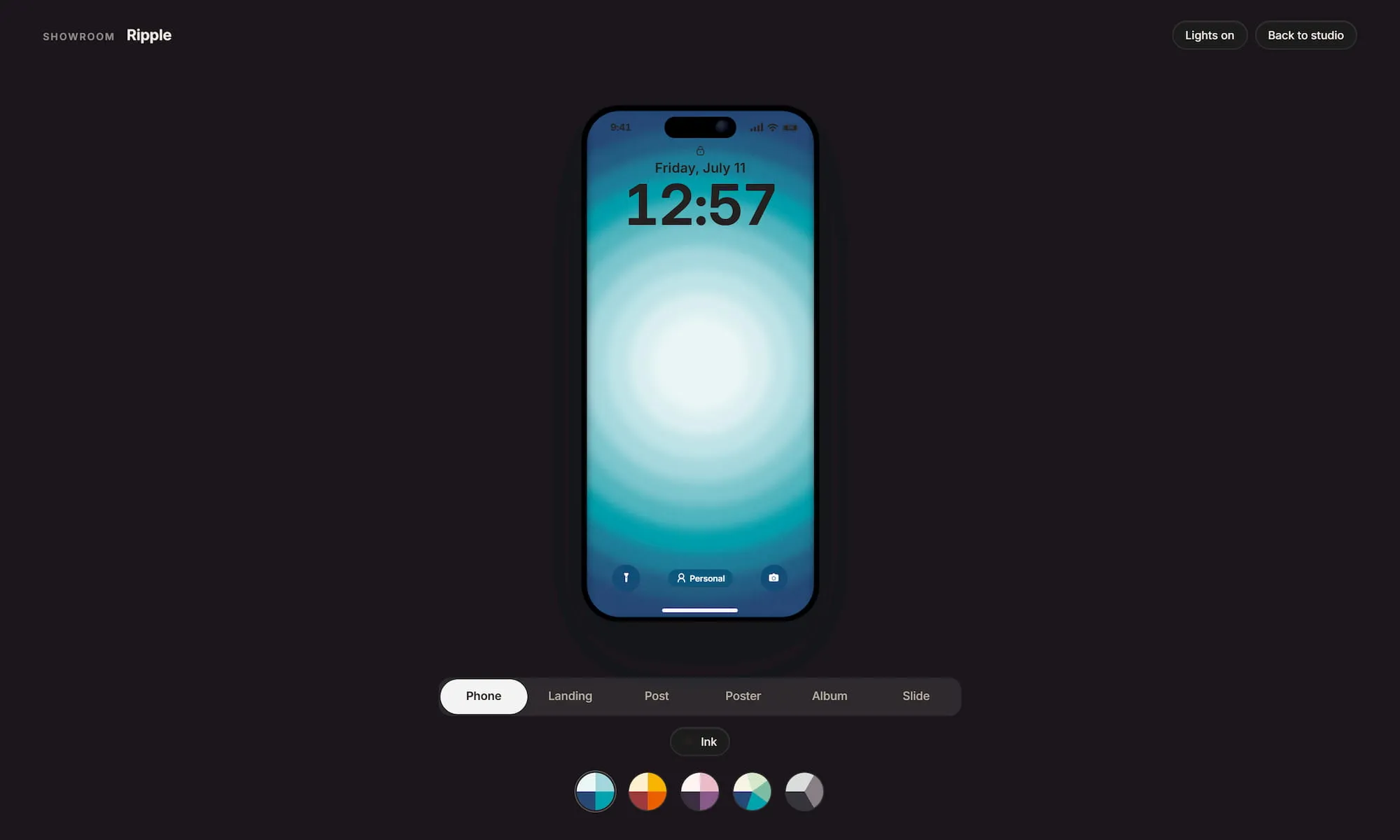
In other words, it does more than generate backgrounds. Add a headline and a logo, and you can finish a promotional visual without leaving the tool. It is not trying to replace Figma, nor should it. Its job is narrower: keep the key steps for making a gradient-led graphic in one focused workspace.
Export formats
You can export PNG, JPG, SVG, CSS, and JSON files. Still images go up to 4K, while animated styles can also be rendered as MP4. The implementation also accounts for practical edge cases, such as browser video-encoding failures and conic gradients that cannot be represented in SVG. That is a good sign that the export flow was designed for real use, not just screenshots.
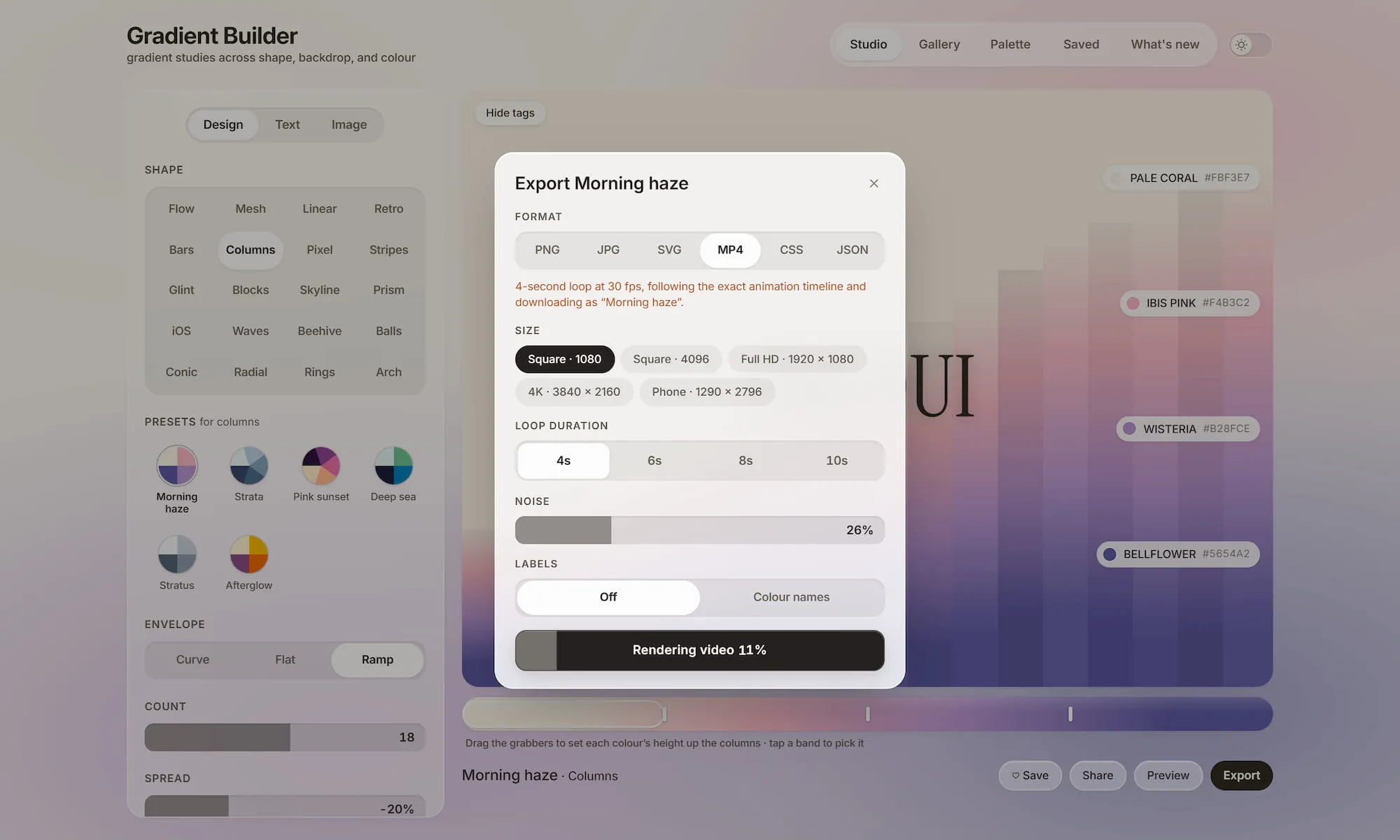
Use PNG or JPG for published graphics; use CSS or SVG on the web; save JSON when you want to preserve a configuration and keep iterating later. Being able to export, reuse, and continue editing is the difference between a working tool and an inspiration gallery.
How it differs from typical gradient tools
FeralUI Gradients is built more for making than collecting. It has a Gallery and can export CSS, but it does not stop at “copy this snippet.” With a canvas, text, images, saved versions, and multiple export formats, it helps you take a gradient from raw material to a finished asset.
It is not a Figma replacement, either. Figma is better suited to full design files and collaborative work. FeralUI Gradients is better when you want to quickly create a visual with character, or establish a colour mood for a page, cover, or presentation graphic before developing it further elsewhere.
I would use it in two situations:
- Building a background base for social graphics or product banners.
- Finding a direction that can be developed further for a website hero, card background, or animated visual.
If you regularly need a visual with some personality but do not want to open a heavyweight design tool, this one is worth bookmarking.
Final thoughts
Gradients have been everywhere for years, and the downside is easy to spot. Many look beautiful in isolation but feel empty, soft, or unstructured once they land in a real interface. Large, blurred colour fields are especially prone to looking like a last-minute decoration when they are not supported by foreground content and clear visual hierarchy.
FeralUI Gradients is more useful because it gives you meaningful points of control. You can drag Mesh points; adjust the speed and shape of Waves and Bars; use Stripes to create a more deliberate rhythm; add Noise for grain; and use Soften to control how edges blend. Its randomness can be directed rather than left to a one-click gamble.
That matters to designers. A strong gradient is not about using more colours. Its boundaries, contrast, rhythm, and information hierarchy all need to serve a specific context. For a cover, it can be more expressive. For a product background, it needs to keep the text readable. For a social graphic, it can be more dramatic, but it still cannot overpower the subject.
FeralUI Gradients is the kind of tool I enjoy using right now: start with a preset to get moving, then use its controls and canvas to make the result your own.
For designers, its value is not only speed. It also sharpens your judgment about colour, hierarchy, and visual rhythm. Gradients may look lightweight, but once they are part of a real piece of work, the details are unforgiving.