9 Online Gradient and Color Tools for Web Designers
Gradients are something I keep coming back to. I maintain a small site devoted to gradient research, and the more I use them, the more obvious it becomes that good results depend on more than picking a few attractive colors. The harder question is how to shape a gradient and which tool fits the job. AI can help with exploration, but it still needs human direction when it comes to color relationships and gradient behavior.
With the rise of Vibe Coding, it has become much easier to turn an idea into a working visual. So I put together nine relatively new color and gradient tools that I found genuinely pleasant to use.
They cover different jobs: building color variables for a design system, checking text and background contrast, generating dynamic backgrounds with WebGL, and exploring less conventional ways to construct color.
Used well, the right tool can cut a lot of back-and-forth. You can bring color, light, texture, and motion into the same workflow and arrive at a gradient that is ready to use.
Here are nine color and gradient tools, starting with the simpler tasks.
1. Color Tools
1. Ramps
- Website: ramps.studio
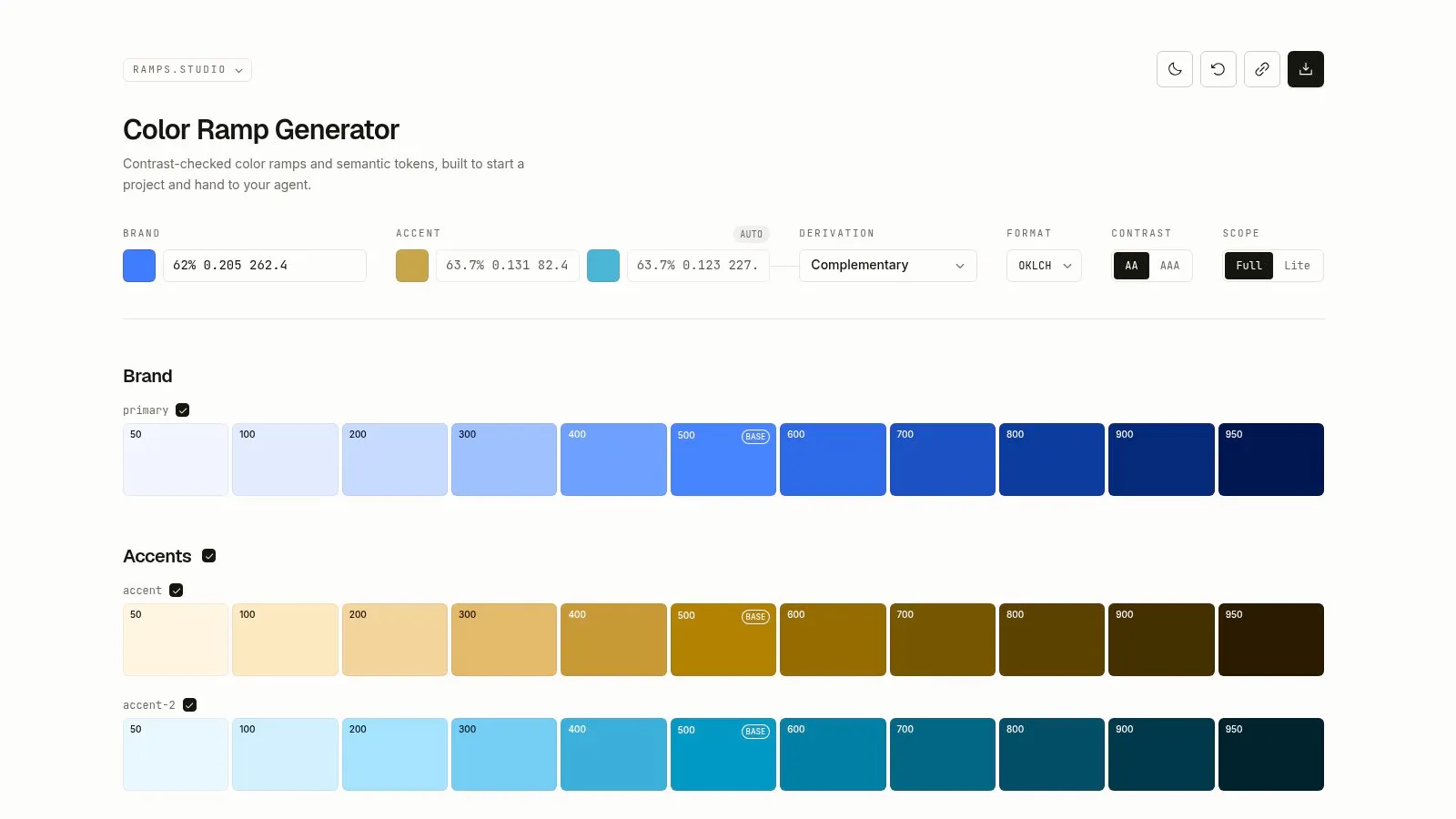
- What it does: Ramps helps you build color ramps and semantic tokens. It turns a set of base colors into scales and semantic variables that can live inside a design system. The site also provides text-based information designed to be read by coding agents, which is useful when you want an AI coding tool to work from explicit color rules.
- Why it stands out: It treats color as something to name, organize, and reuse. Once you choose a brand color, Ramps can generate a broader color system together with its names and variable names.
2. Colorable
- Website: colorable.jxnblk.com
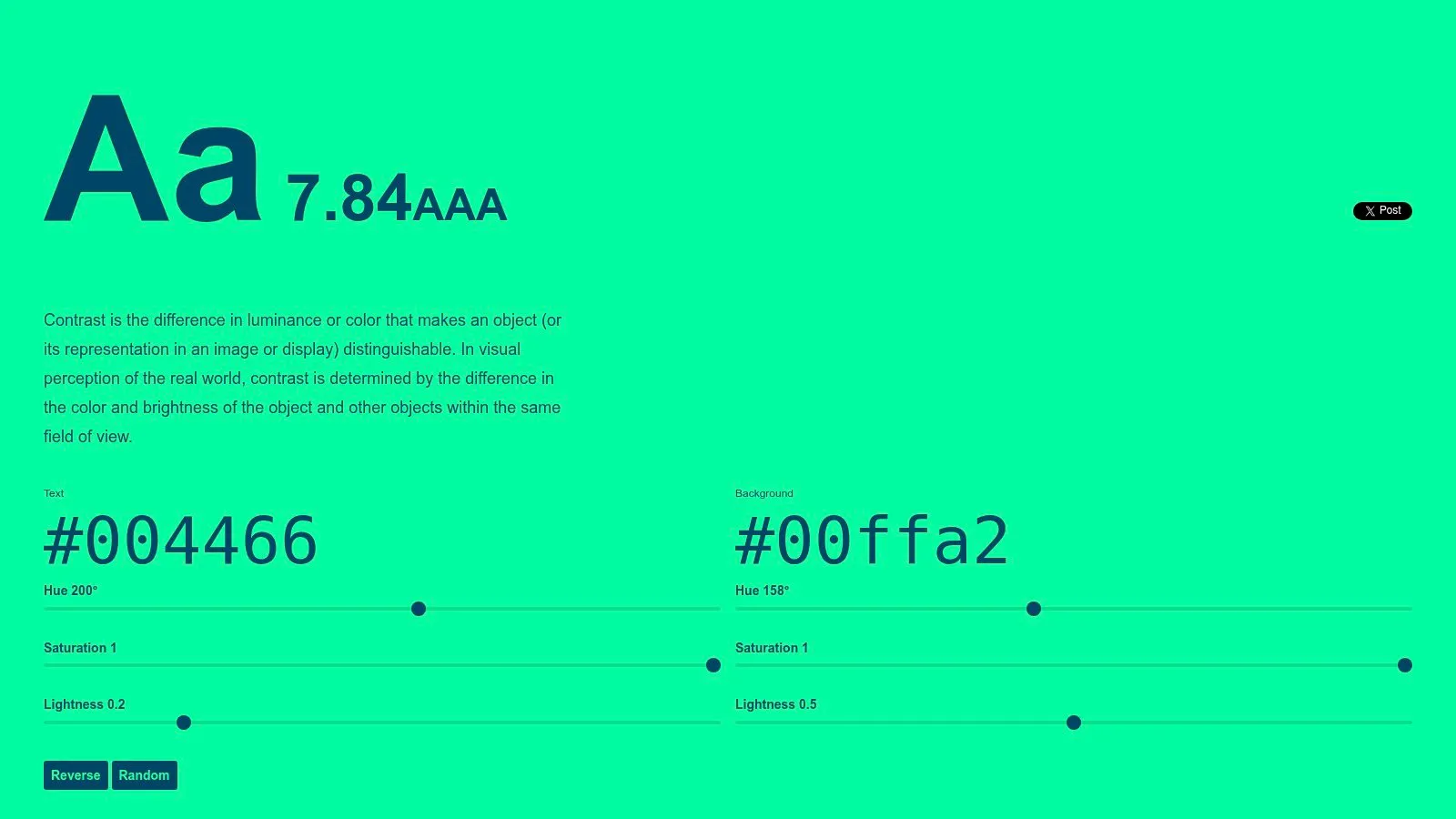
- What it does: Colorable is a straightforward text and background contrast checker. Enter a text color and a background color to see the contrast result and whether the combination reaches AA or AAA. You can also keep adjusting Hue, Saturation, and Lightness with sliders.
- Why it stands out: The interface does not get in the way. Open it and you can quickly tell whether a color combination is readable. After using complicated feature-heavy pages, there is something refreshing about a tool that does one job clearly.
2. Dynamic Gradient Generators
3. ColorFlow
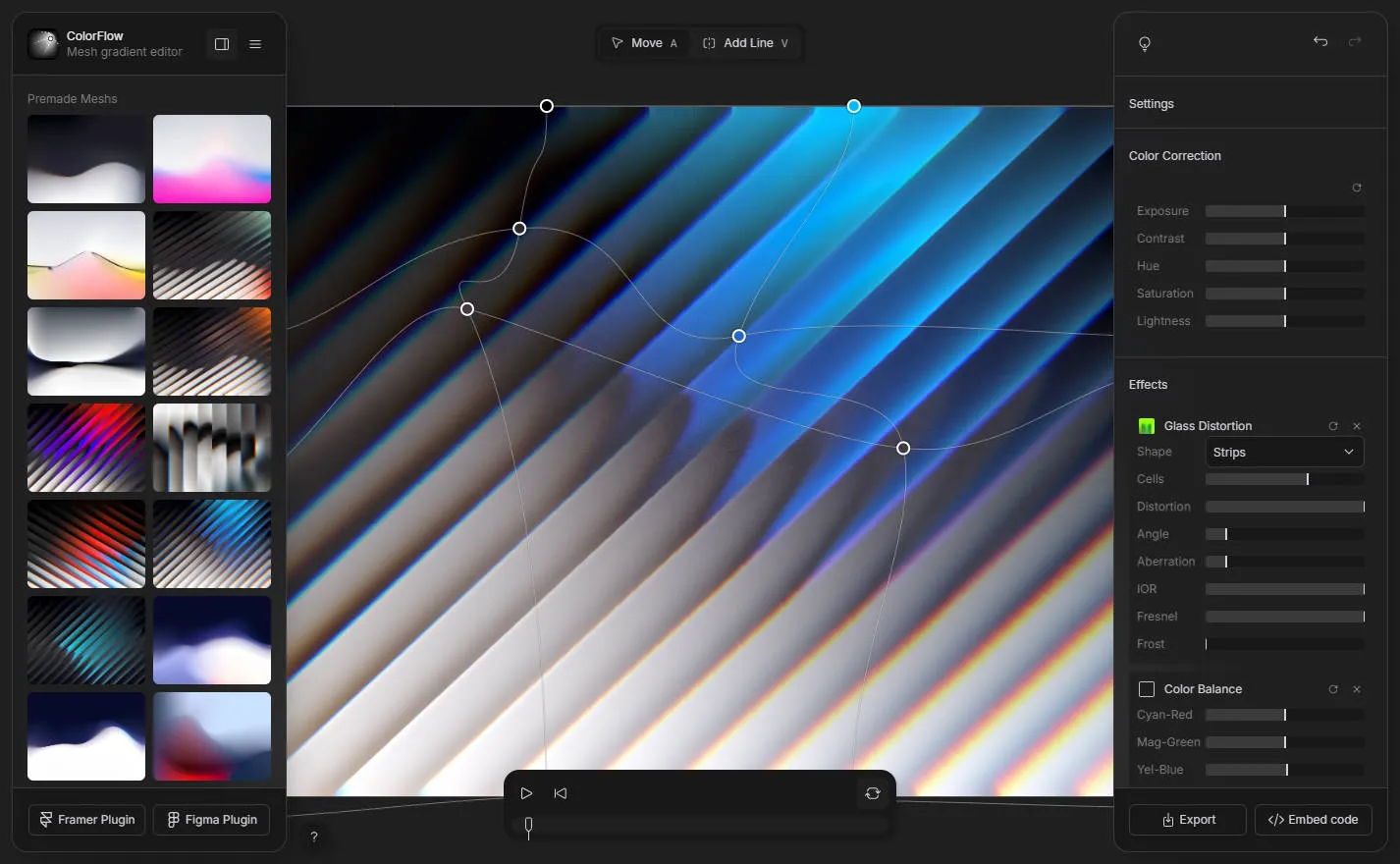
- Website: colorflow.ls.graphics
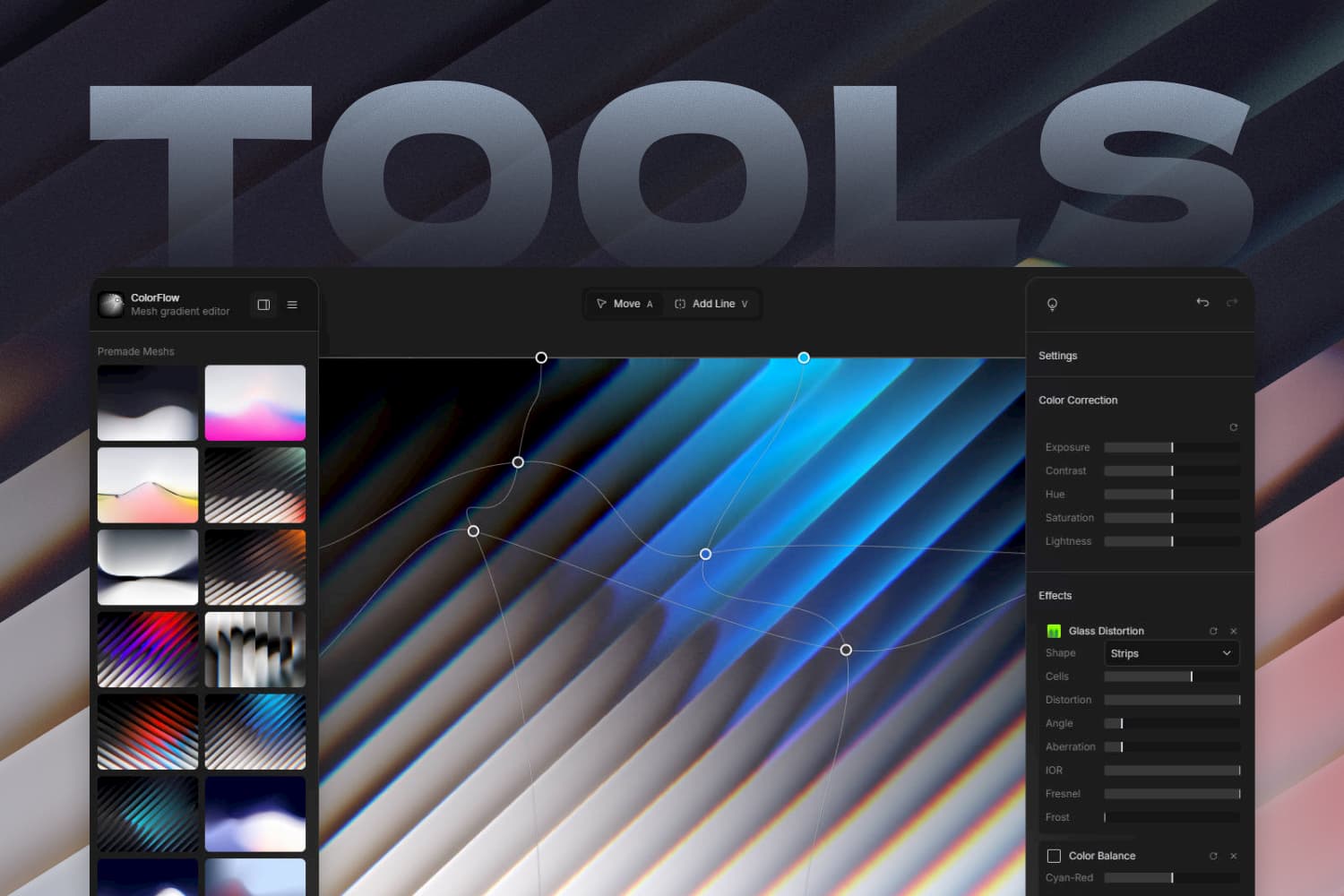
- What it does: ColorFlow is a browser-based mesh gradient editor focused on real-time control of multiple color points. You can see how WebGL blends them as you work, making it useful for soft color fields, flowing glows, and backgrounds with a sense of depth.
- Why it stands out: Compared with a linear gradient tool that only lets you adjust two colors and an angle, a mesh gradient gives you more direct control over the composition. Place a few color points roughly, then refine their distance, area, and transitions. It is a good fit for web hero sections, cover art, and early brand exploration.
4. Shader Gradient
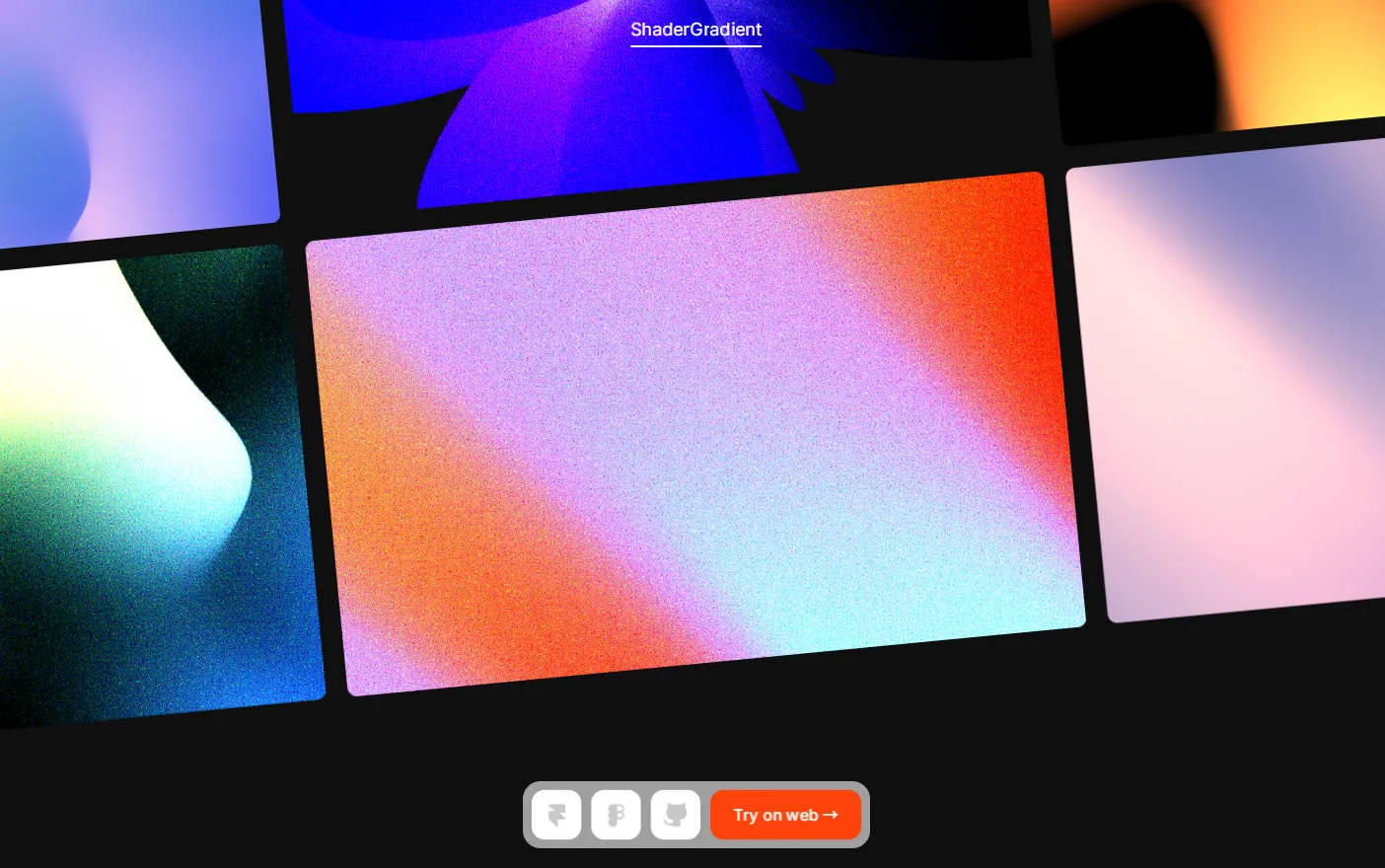
- Website: shadergradient.co
- What it does: Shader Gradient is built for animated 3D shader gradients. It uses real-time rendering to create backgrounds with lighting, volume, and motion. The goal is not just to produce a gradient image, but to keep the color changing on the page.
- Why it stands out: If a static mesh gradient is no longer enough, this is a good place to explore a more dynamic direction. It is especially suitable for landing-page heroes, product launches, and visual showcases that need a stronger sense of atmosphere.
5. zoxilsi studio
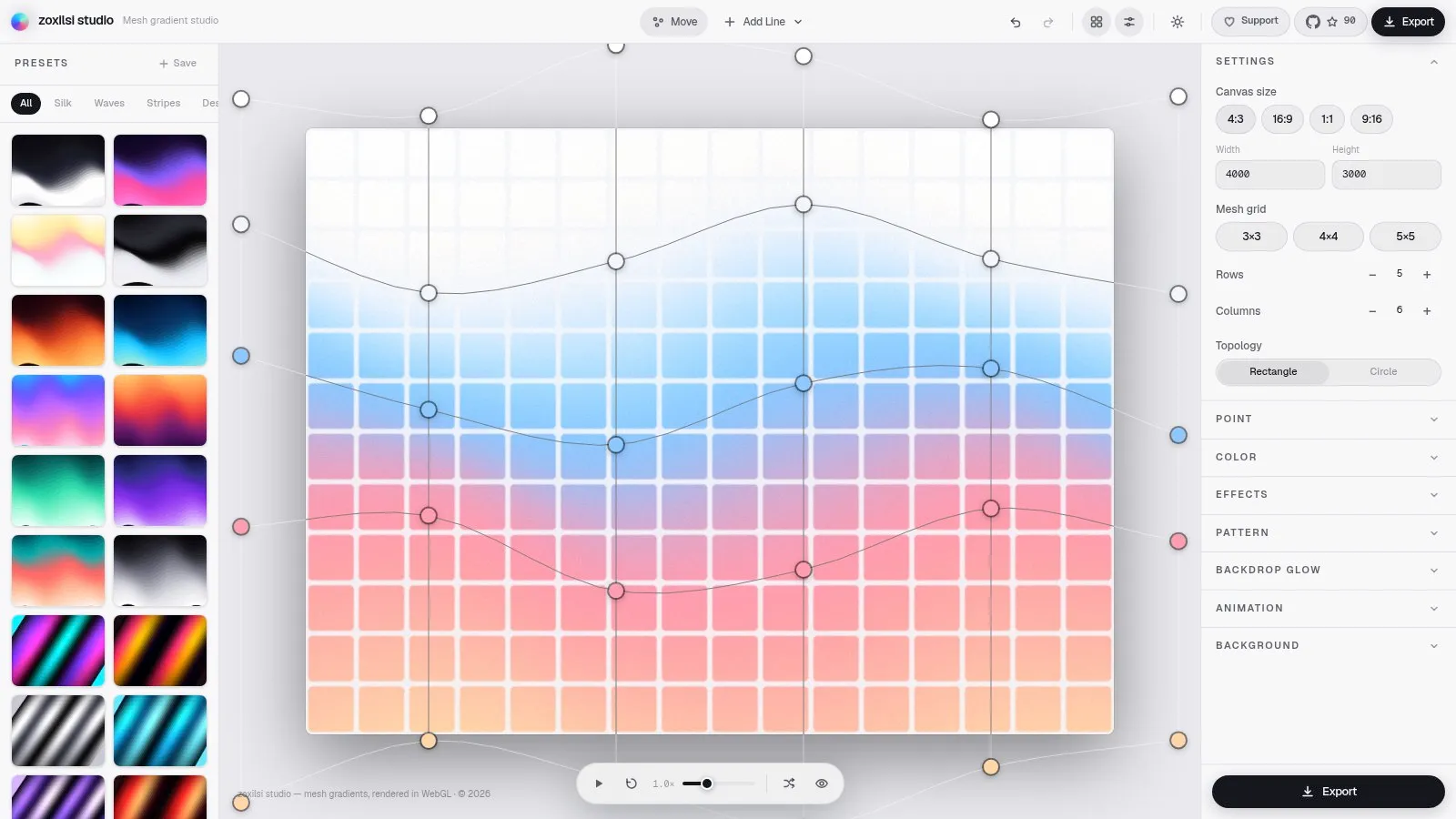
- Website: studio.zoxilsi.cc
- What it does: zoxilsi studio is a more experimental mesh gradient studio. You can move control points directly, add lines, and switch between directions such as Silk, Waves, Stripes, Aurora, and Mosaic. Geometric patterns and grain effects are part of the same editing workflow.
- Why it stands out: It is open source and offers several different gradient scenes to explore. The presets make it easy to move beyond the default purple-and-blue gradient, while the control points, lines, and presets can be combined to create a more distinctive result.
6. Gradient Studio
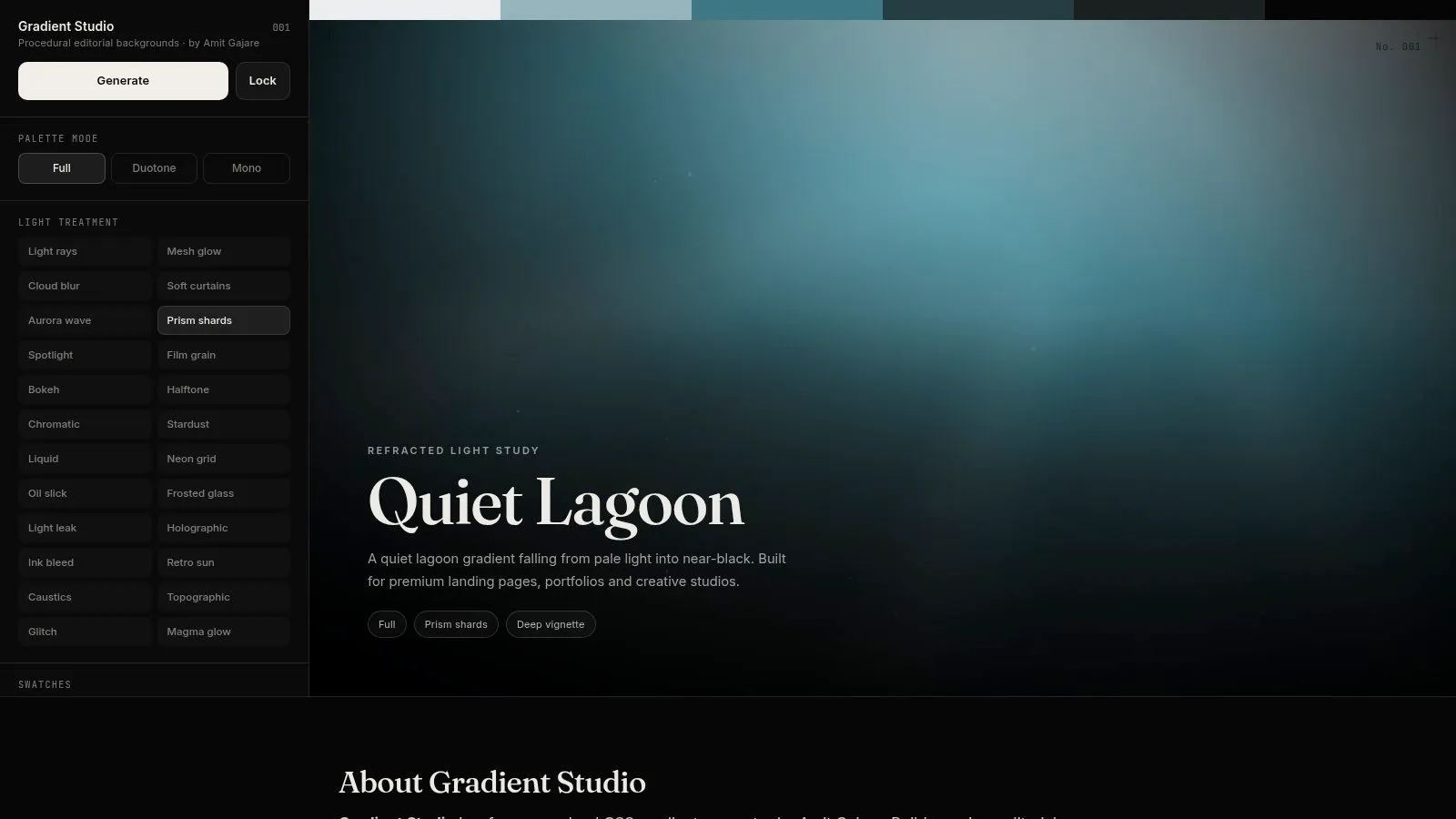
- Website: Gradient Studio
- What it does: Gradient Studio is a free procedural CSS gradient generator aimed at editorial-style design and web backgrounds. It supports full-spectrum, duotone, and monochrome directions, along with effects such as mesh glow, aurora waves, film grain, and bokeh. You can export the result as CSS, Tailwind, or SCSS.
- Why it stands out: It is closer to a frontend handoff than an image-only generator. Once you finish tuning the result, you can take the code straight into a landing page, portfolio, product site, or creative studio website. Copying working code is much easier than rebuilding an effect from a screenshot.
7. Colir
- Website: Colir
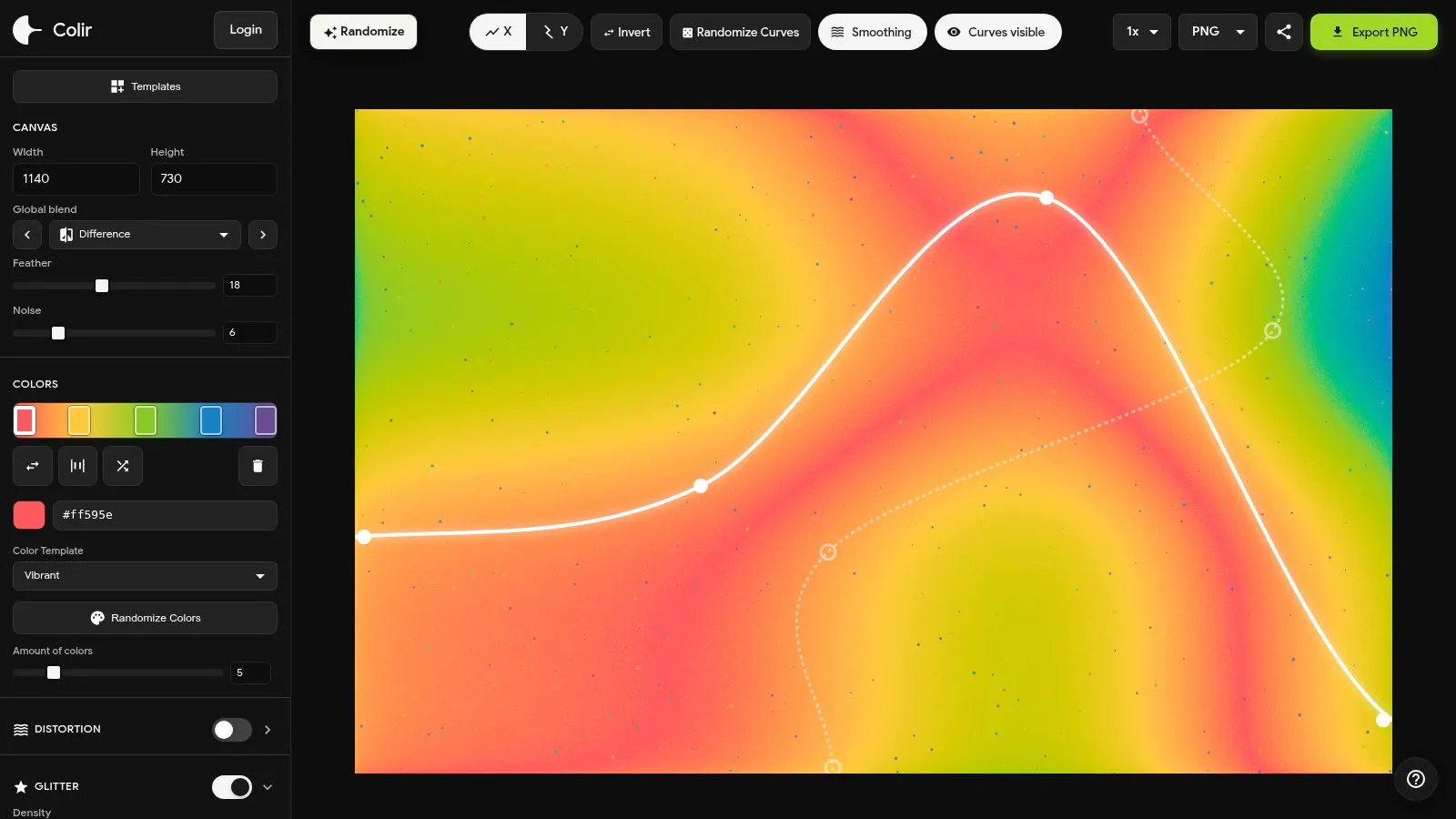
- What it does: Colir uses X and Y curves to control how color flows across the canvas. Its logic is different from the usual linear and radial gradients. Along with color nodes and curves, you can layer effects such as noise, feather, glitter, distortion, and pattern, then export the result as PNG or WebP.
- Why it stands out: It is useful when the palette is fine but the image still feels generic. Curve controls help the gradient move beyond predictable geometry, while noise and distortion can add character to broad color transitions without leaving them flat or muddy. The free version has a daily export limit, so check the Pro licensing details before using it for commercial or client work.
8. Gradient Lab
- Website: Gradient Lab
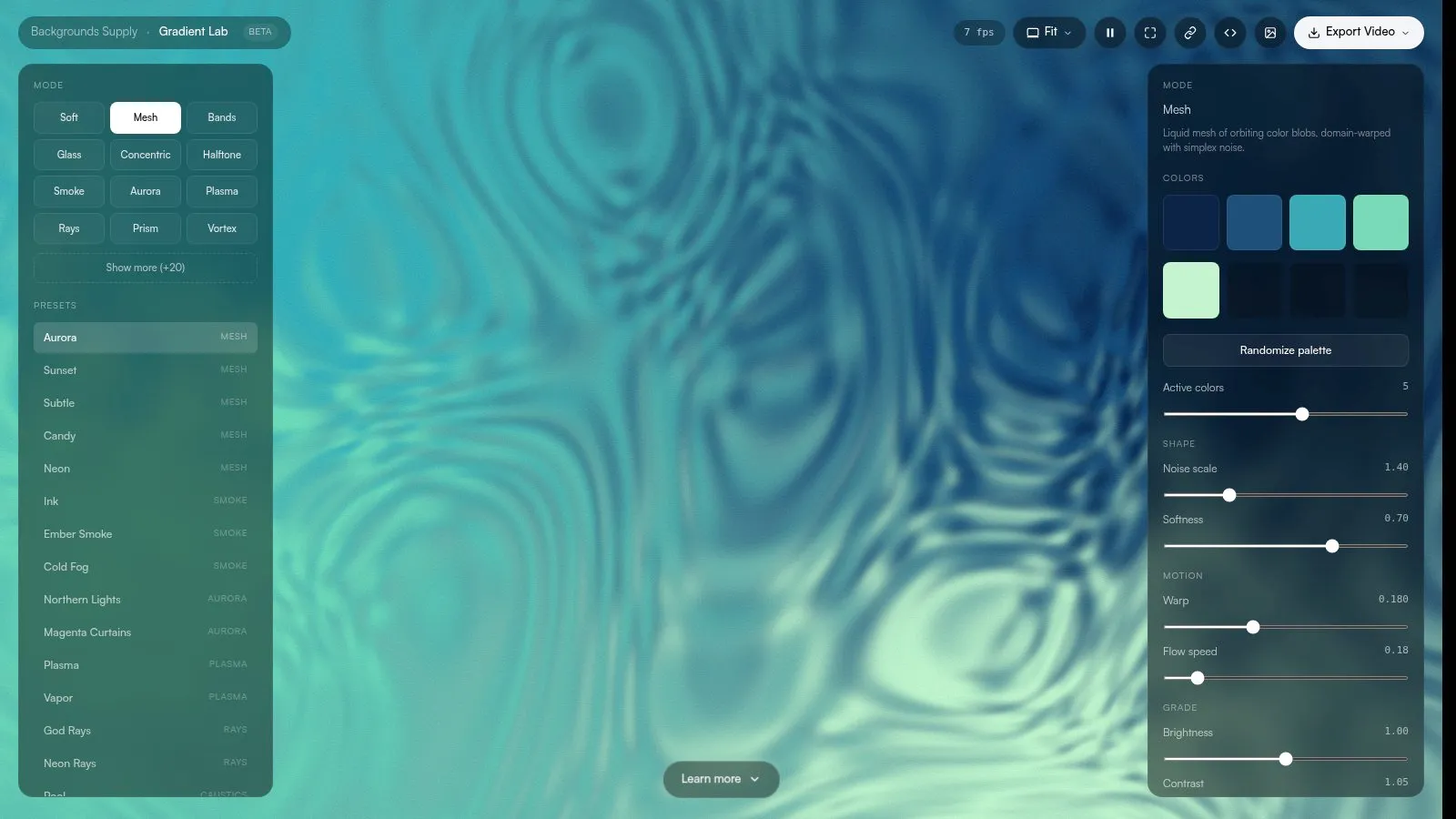
- What it does: Gradient Lab is a shader-based gradient generator from Backgrounds Supply. It offers modes and presets including Soft Mesh, Bands, Glass, Concentric, Halftone, Smoke, Aurora, Plasma, Rays, and Vortex. You can preview the result in real time and export it as either a static or animated background.
- Why it stands out: It turns directions that would normally require writing a shader or assembling an effect stack into adjustable parameters. When you need a glass, smoke, light-ray, contour-line, or metallic background, you can start with a preset and then tune the colors and intensity. That makes it useful for hero sections and early visual concepting.
3. Textured and Patterned Backgrounds
9. Tabbied
- Website: Tabbied Patterns
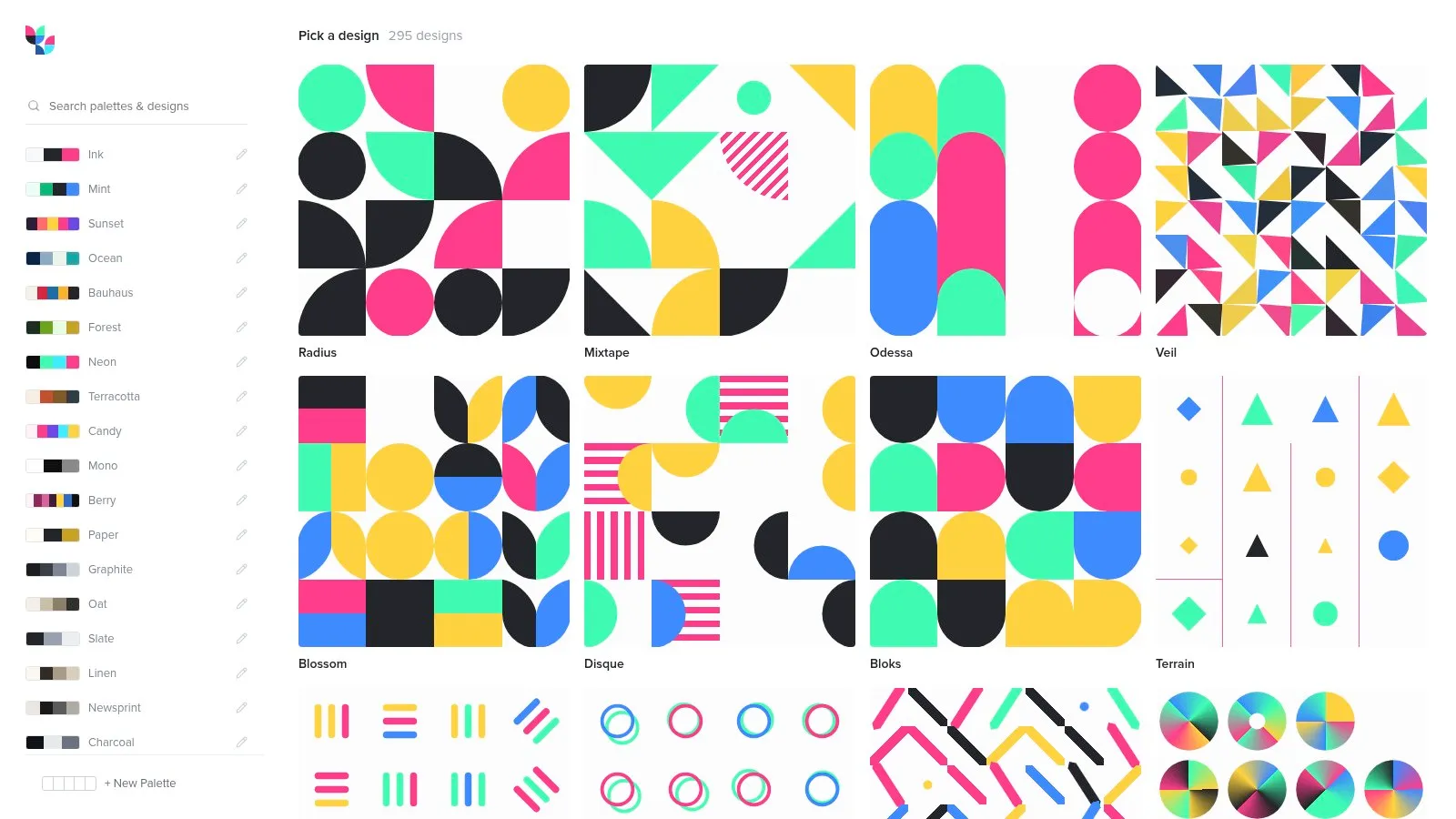
- What it does: Tabbied is a generative pattern tool. Choose a pattern such as Radius, Mixtape, Odessa, Veil, Blossom, or Disque, then adjust its colors and parameters. The result can be used for websites, posters, packaging, wall art, or social media graphics.
- Why it stands out: Large gradient fields can sometimes feel too empty. Adding a structured pattern that is regular without being repetitive gives the composition more shape. Tabbied works well for background textures, corner details, and poster backdrops, and it can give a gradient a more recognizable visual signature.
A Gradient Is Only Useful When You Can Ship It
These nine tools do different jobs. Ramps and Colorable handle color relationships and readability. ColorFlow, Shader Gradient, zoxilsi studio, Gradient Studio, Colir, and Gradient Lab turn color into backgrounds. Tabbied adds pattern and structure.
If you only need a web background, start with ColorFlow, zoxilsi studio, or Gradient Lab. If the result needs to go straight to a frontend project, Gradient Studio is the more convenient option because of its code exports. If you want a gradient with a more personal shape, Colir’s curve controls are worth trying. For a product interface, organize the colors with Ramps first, then use Colorable to check the text and background contrast. That is usually faster than discovering the problem during the final review.
A gradient is not just a handful of bright colors layered on top of one another. The distance between colors, the value relationships, the texture intensity, and the animation speed all determine whether it communicates the intended mood or creates visual noise. The point of a tool is to make those variables visible, adjustable, and reusable. Once they become part of your workflow, gradients can move beyond an inspiration image and become something you can actually design, test, and ship.